Chapters
On this page
The Ballistics page tells you where to put the crosshair. The answer sits at the top, above the inputs that produced it, and you pick how much of the page you see.
Three ways to use the page
The Ballistics page has three page modes: Simple, Standard and Match/Competition. Each one is laid out for a different job. All three share one solve, so the profile, the wind and the range stay put when you switch, and nothing you have saved changes.
The first time you open the page after the update, LoadOut asks What Are You Here to Do? and shows the three as cards. Tap one, then the button under them, which names the card you picked. If you have used the page before, Standard is already picked, so one tap keeps the page as it was. On a new install nothing is picked until you tap a card. Not Now keeps Standard, and the question does not come back.
To switch later, tap ⋮ at the top of the page, then Page Mode. It is the first row, and it shows the mode you are in. The card you are on is marked CURRENT. Tap another and use it. The first tab takes the mode's name, so it reads Simple, Solution or Match.
On Standard and Simple, Clear in ⋮ asks before it empties the page.
A profile binds a rifle to a load
A Ballistic Profile is a load and a firearm joined together, plus the conditions you last solved in. The load is the projectile and how fast it leaves the barrel: weight, diameter, ballistic coefficient, muzzle velocity. The rifle adds what the load cannot know on its own: the distance you zeroed at, how high the scope sits above the bore, and the barrel twist.
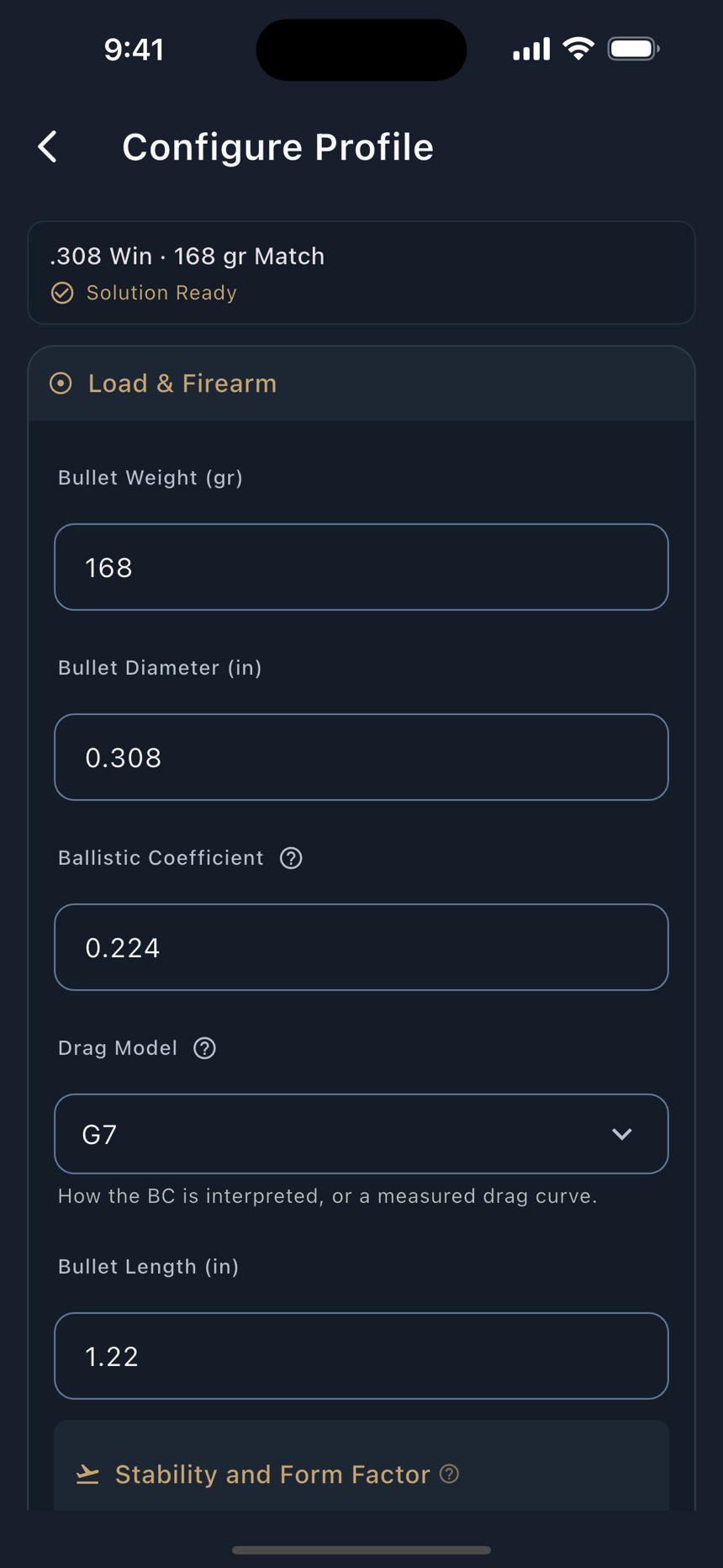
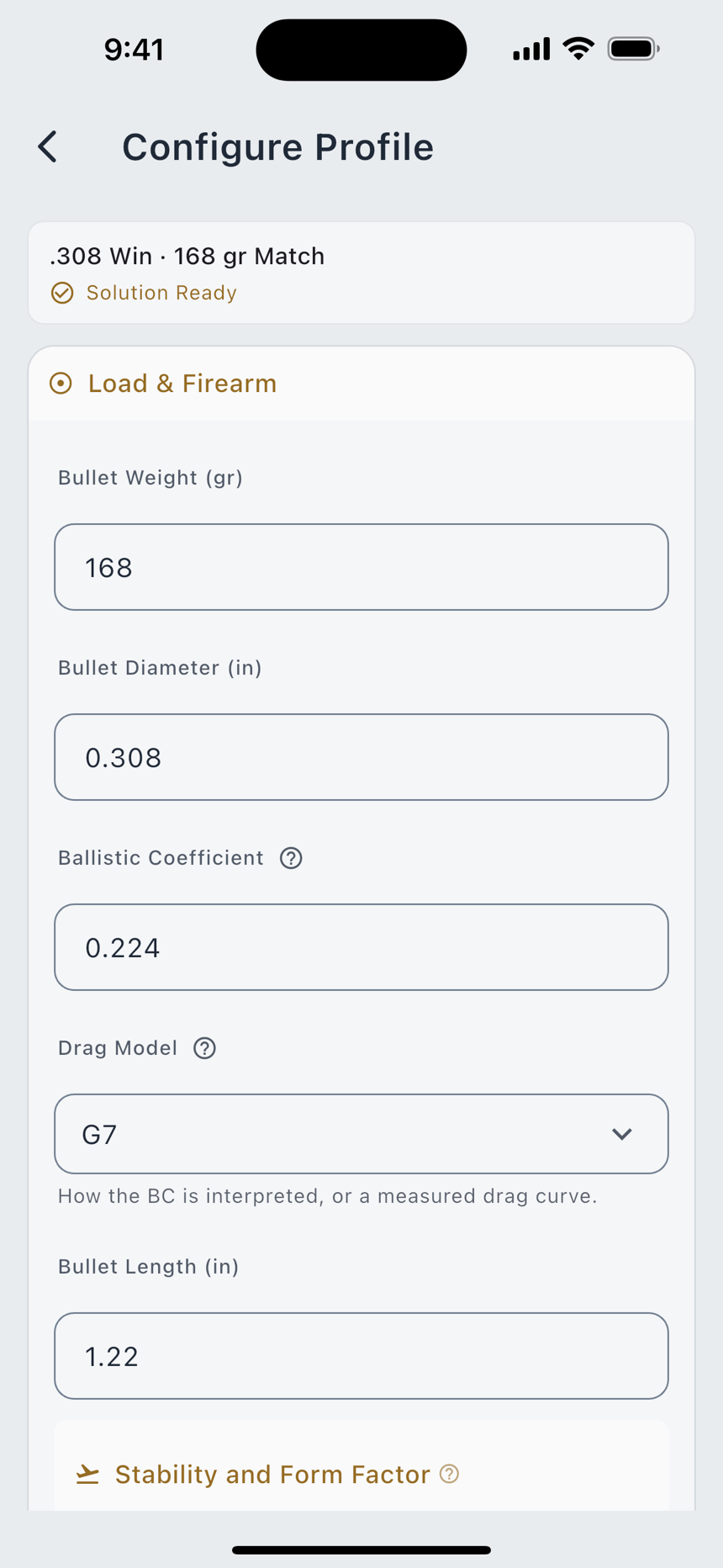
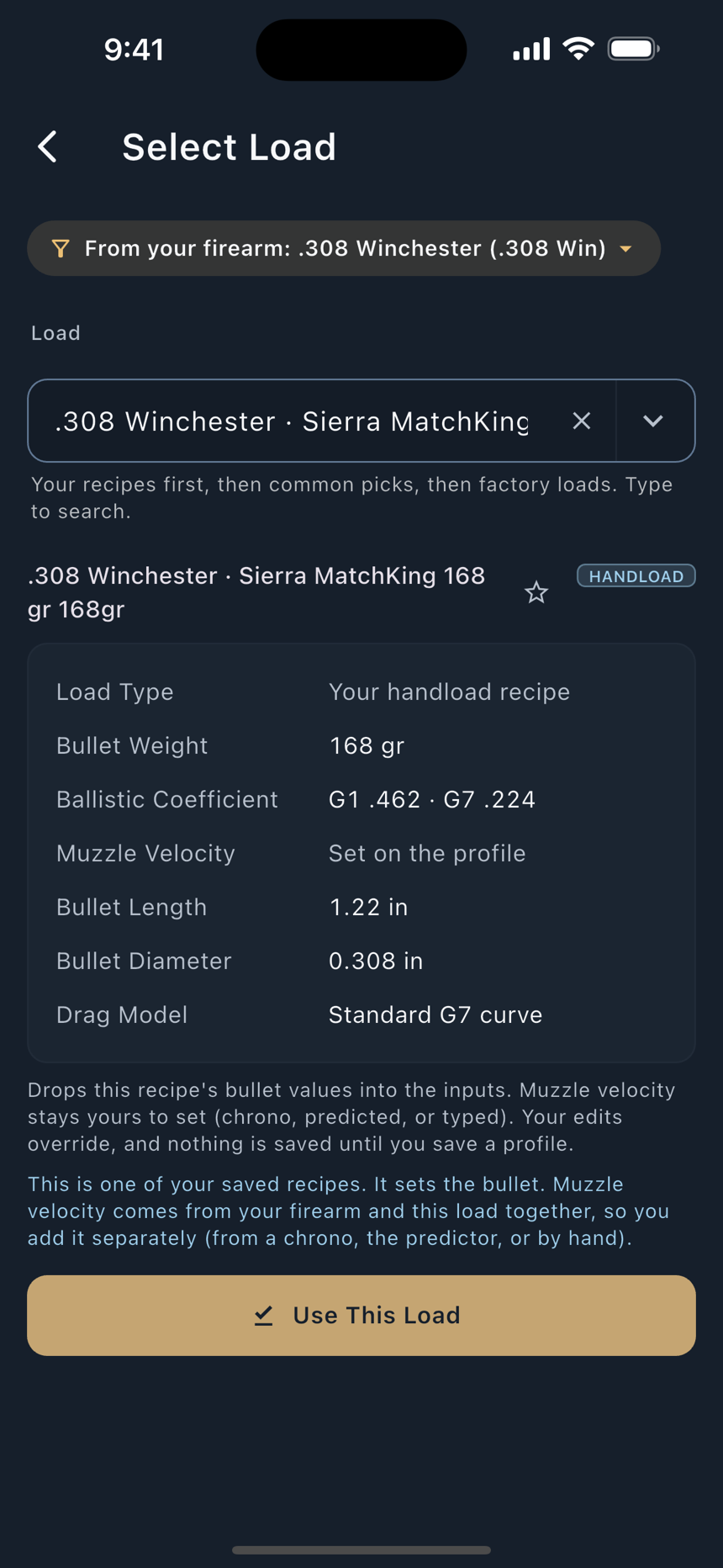
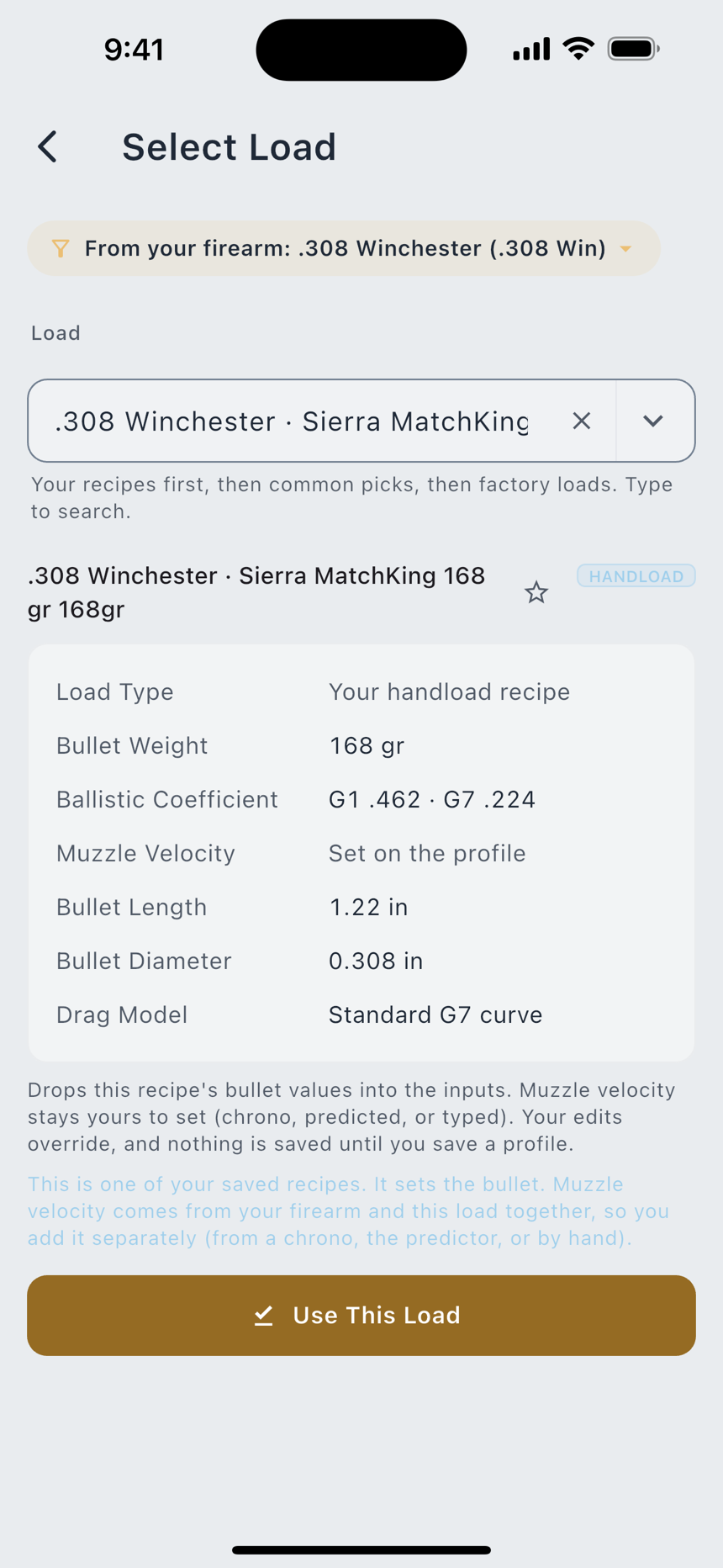
- Open the profile card. The card at the top of the Solution view names the active profile and carries Configure and Clear. Configure opens Configure Profile.
- Fill the two halves. Pick a saved Load and a saved Firearm, or create either in place. With only one of the two, the page says so and the holds stay dashed rather than guessing the missing half.
- Watch the status line. Configure Profile carries a completion status: either Solution Ready, or the actual list of what is still missing.
- Switch profiles. The Switch Profile button, the small arrows beside the profile's name, opens your saved profiles, and so does Profiles in the three-dot menu. Undo and Redo sit in the bar at the top, beside the filter button, Find a Field, which jumps to any input by name.
Free two saved ballistic profiles. Pro unlimited. The seeded Sample profile does not count against the cap, and a restore from backup may exceed it. The limit governs new profiles you create, not ones you already had.
Configure Profile is one screen with two owners: the Ballistics page opens it on the profile you are solving, and Range Day opens the same editor on the profile a session is bound to. What you learn on one page is what the other page opens.
The Solution view
Two numbers, at the top, before any of the inputs. Elevation is how far up from your zero this shot needs; Windage is how far sideways. Each carries its unit tag, MIL or MOA, because 1.0 mil is not 1.0 MOA, and a direction letter rides in front of the number: U for come up, D for come down, L and R for windage. Tap either panel and it explains itself.
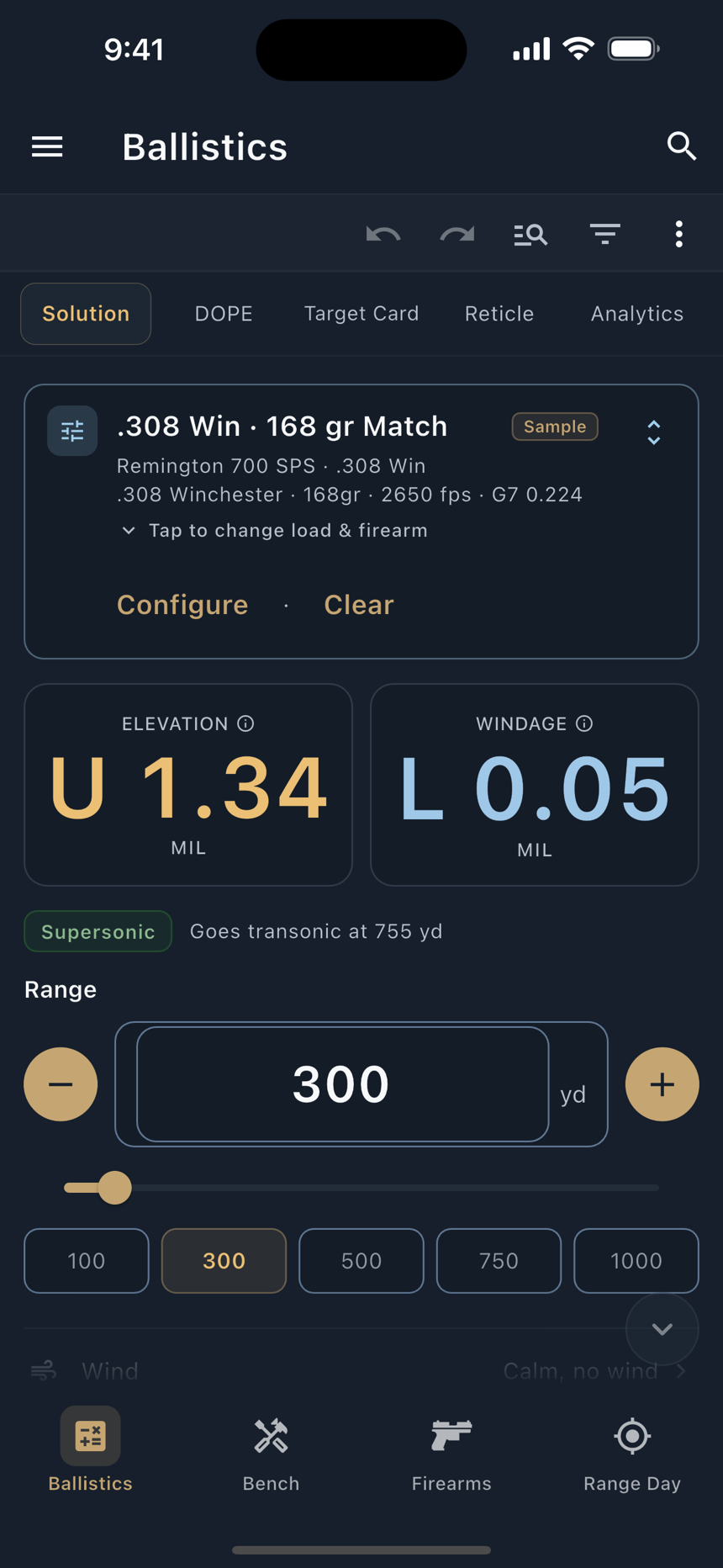
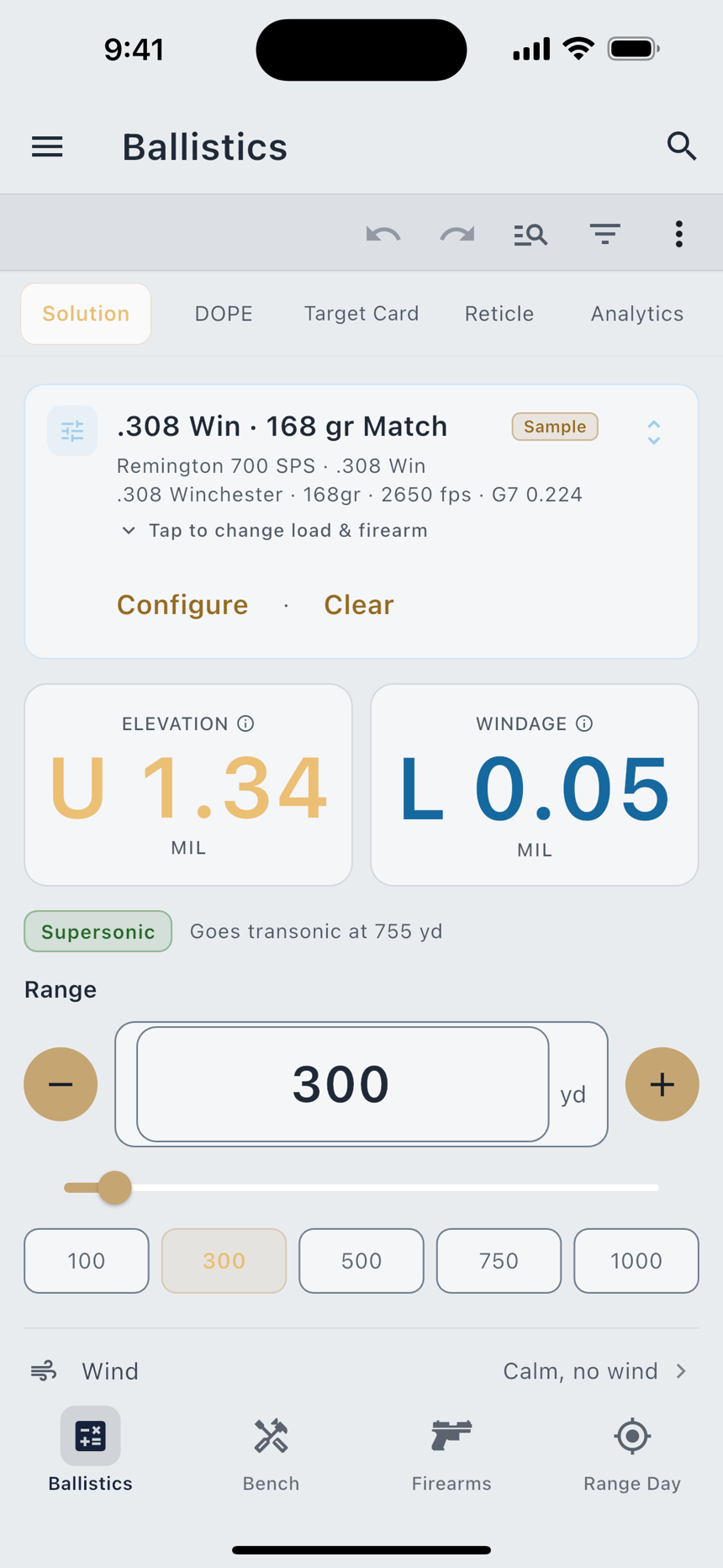
Dial it on the turret or hold it on the reticle. The number is the same either way. Range Day carries a Come-Up preference that relabels the same panel Dial or Hold to match how you shoot. It changes the label, never the number.
The range control
Range is the most-changed field on the screen, so it gets the loud treatment: a − and + pair either side of a large number, a slider, and five preset chips at 100, 300, 500, 750 and 1000. Tap the number to type one. Press and hold a stepper and it ramps through 1, 10, 20, 25, 50 and 100 per tick, so a long press covers a lot of ground.
There is no Calculate button. Drag the slider and both holds move with you, because the whole flight is being solved again as you go. That is also why windage keeps a small value in still air: a spinning bullet drifts on its own, and that drift grows with distance.
The rows below
A target that moves
The solve's target can be a crossing target. Tap the Mover row, or pick Switch to Mover from the three-dot menu, and the drawer that opens carries the same set of controls a Target Card row has: a Speed stepper in your wind speed unit, a Direction pill that cycles L→R, L↔R and L←R, a Hold pill for Center or Edge, a Target Width stepper, and Use Saved Mover for the ones you keep under Settings › Mover Presets. The drawer's first row, Mover Animation Pro, opens the Moving Target trainer on this solve. Switch to Static turns the target back into a stationary one and remembers what you had set.
While the target is a mover with a speed, the Windage panel at the top becomes Net Hold: the wind hold and the crossing lead folded into one number, with the breakdown printed under it. A target that runs both ways gets two lines, one for each crossing, each tagged with its arrow. Until you enter a speed the panel keeps showing the plain windage, and a note under it says what is missing. An Edge hold needs a width to mean anything, so the drawer says Edge · needs width until you set one and the solve holds on the center in the meantime.
If you don't know how fast the target is moving, time it. Speed Calculator sits right under Speed in the drawer. Hold the rifle still and let the target cross your reticle. Tap Start as its front edge reaches one mark and Stop as it reaches another, then set how many mils or MOA apart those marks are. Time two or three passes and LoadOut averages them into a crossing speed at the target's distance, with the hold for that speed shown underneath. Use puts the speed on the target, just as if you had typed it. The screen opens on mils or MOA to match your rifle's reticle. If you timed the target some other way, type the seconds under Enter Time. On a second focal plane scope it corrects for the power you timed at. For the method step by step, open How to Time a Mover from the screen's menu.
The mover saves with the profile, like the range and the wind. Open the profile again tomorrow and the target is still moving at the speed you left it.
The DOPE view
The Solution view answers one distance. DOPE lays out the whole ladder at once, so you can write it on a card or tape it to the stock. You set the step, and you choose which columns ride along: Drop, Energy, ToF, Max Ord, Spin Drift, Coriolis, Aerodynamic Jump and Incline are all chips you turn on and off.
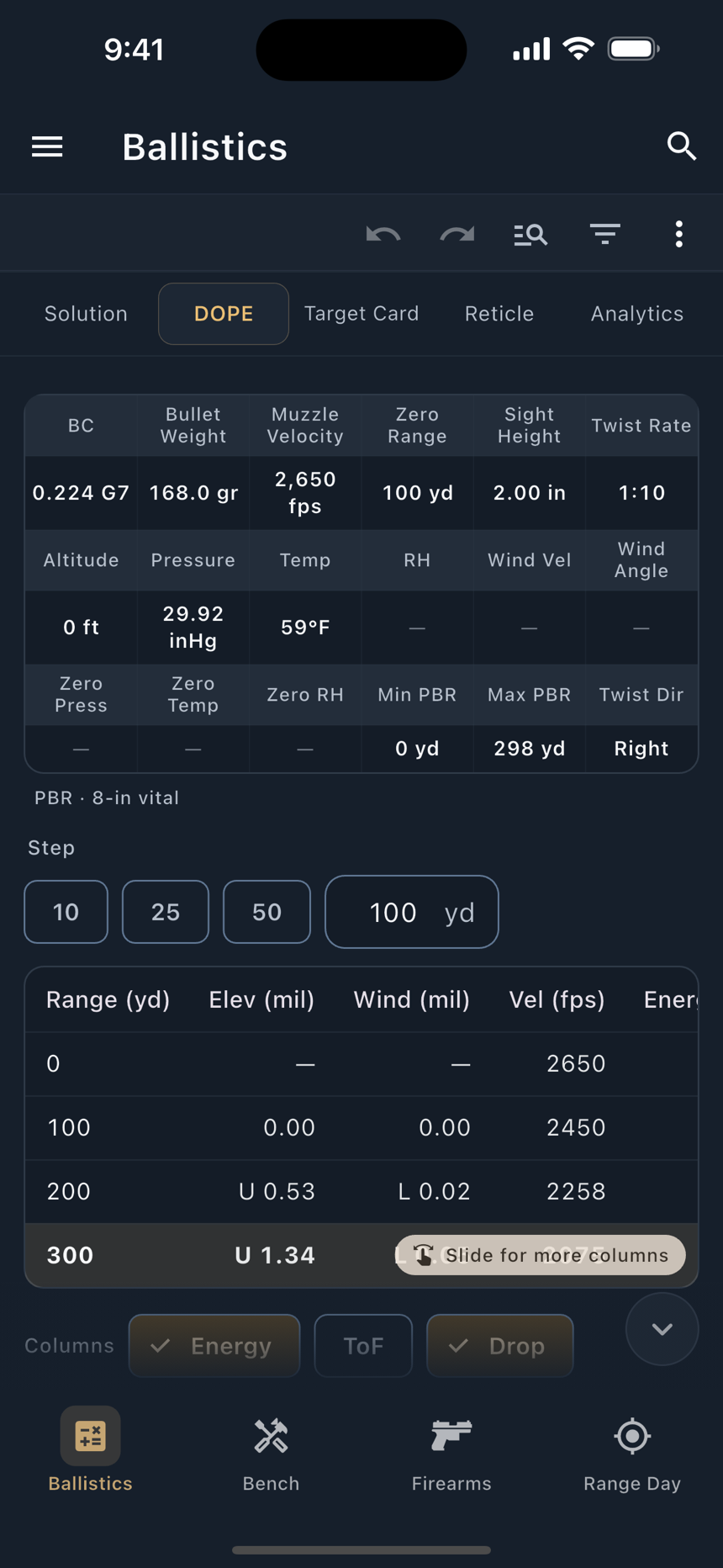
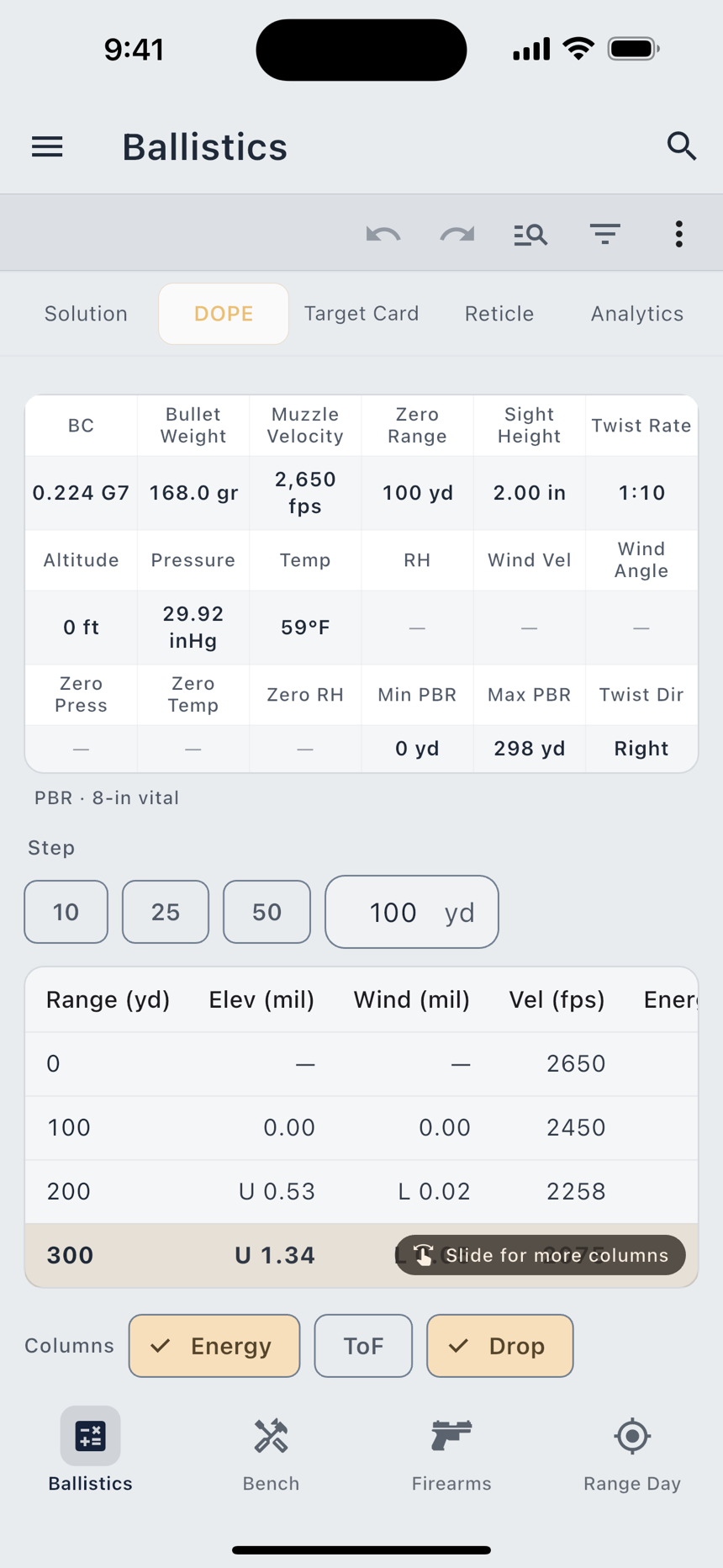
Below the table, Moving Target Lead adds the mover's lead columns to every row. It is the same target the Solution view's Mover row edits, shown again where the table is: switch it between Static and Mover, step the speed and the width, cycle the direction, and pick which columns ride along with Center Lead and Front-Edge Lead. A one-way crosser adds one column per type; a target that runs both ways adds two, L→R and L←R, and once the solve carries wind the two differ. The columns are free; only the animation is Pro.
Share DOPE Card sends the table out as a PDF or an image, or copies it as plain text to your clipboard, with the conditions it solved at carried alongside.
The Target Card view
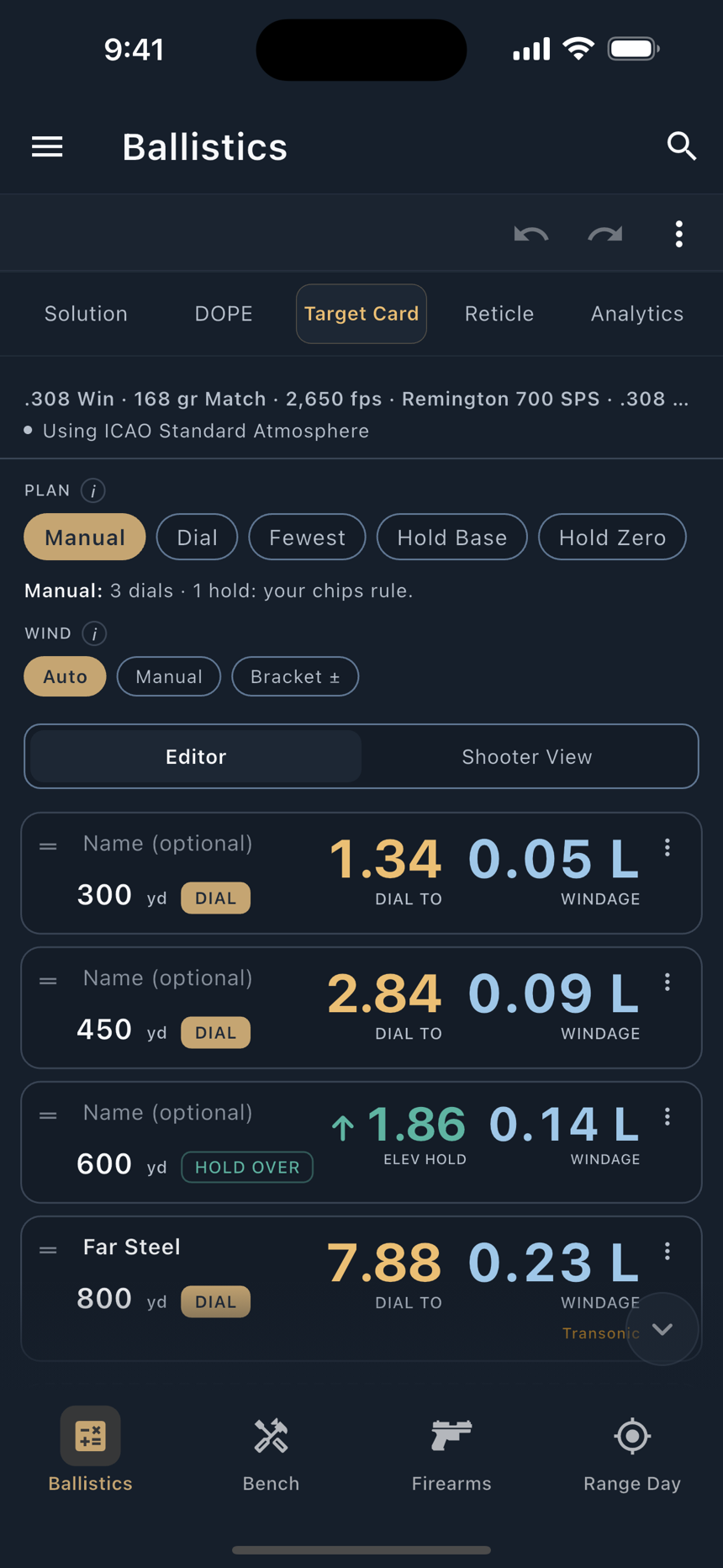
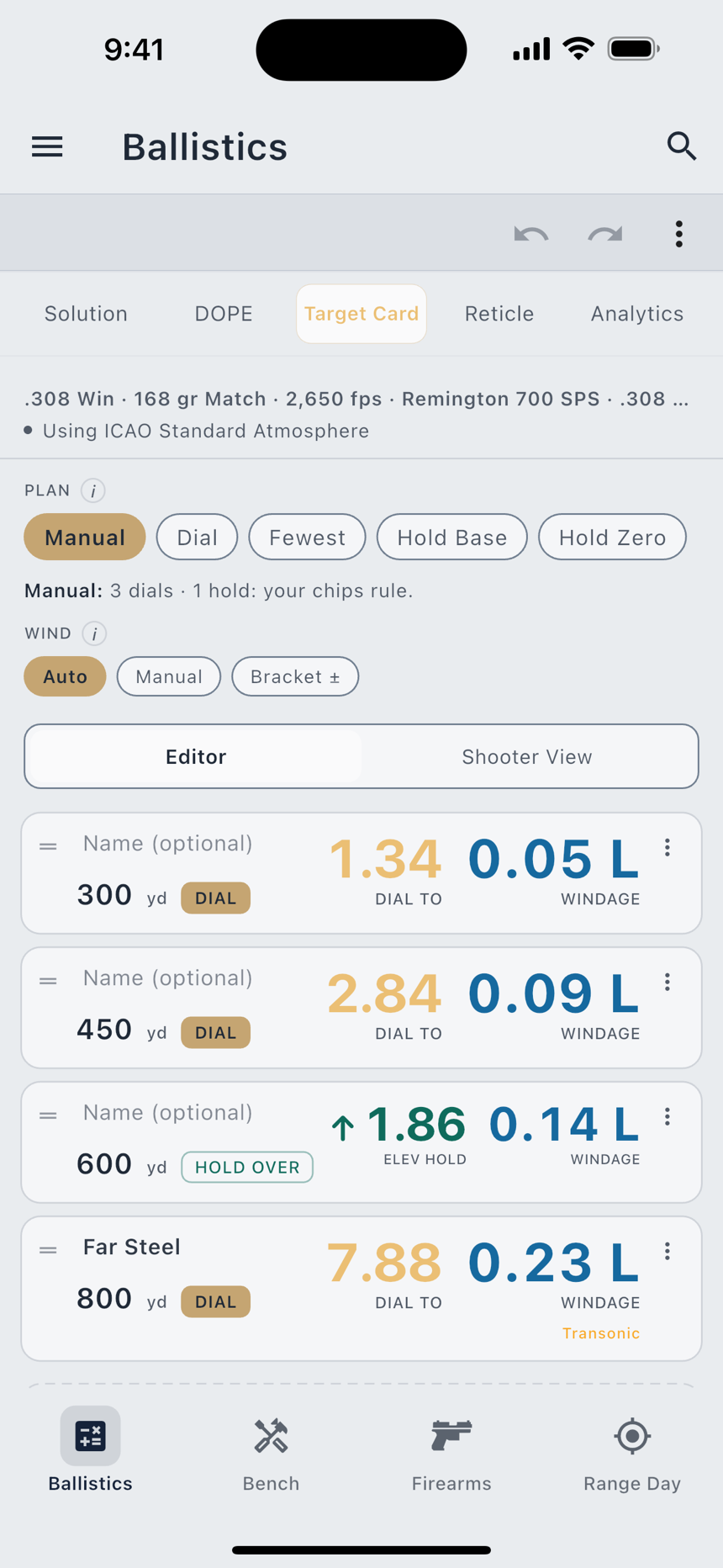
A DOPE table gives you the hold at each distance. A target card gives you a string of targets in the order you will shoot them, with the running turret accounted for between them. It has a chapter of its own: Target Cards & DOPE.
The Reticle view
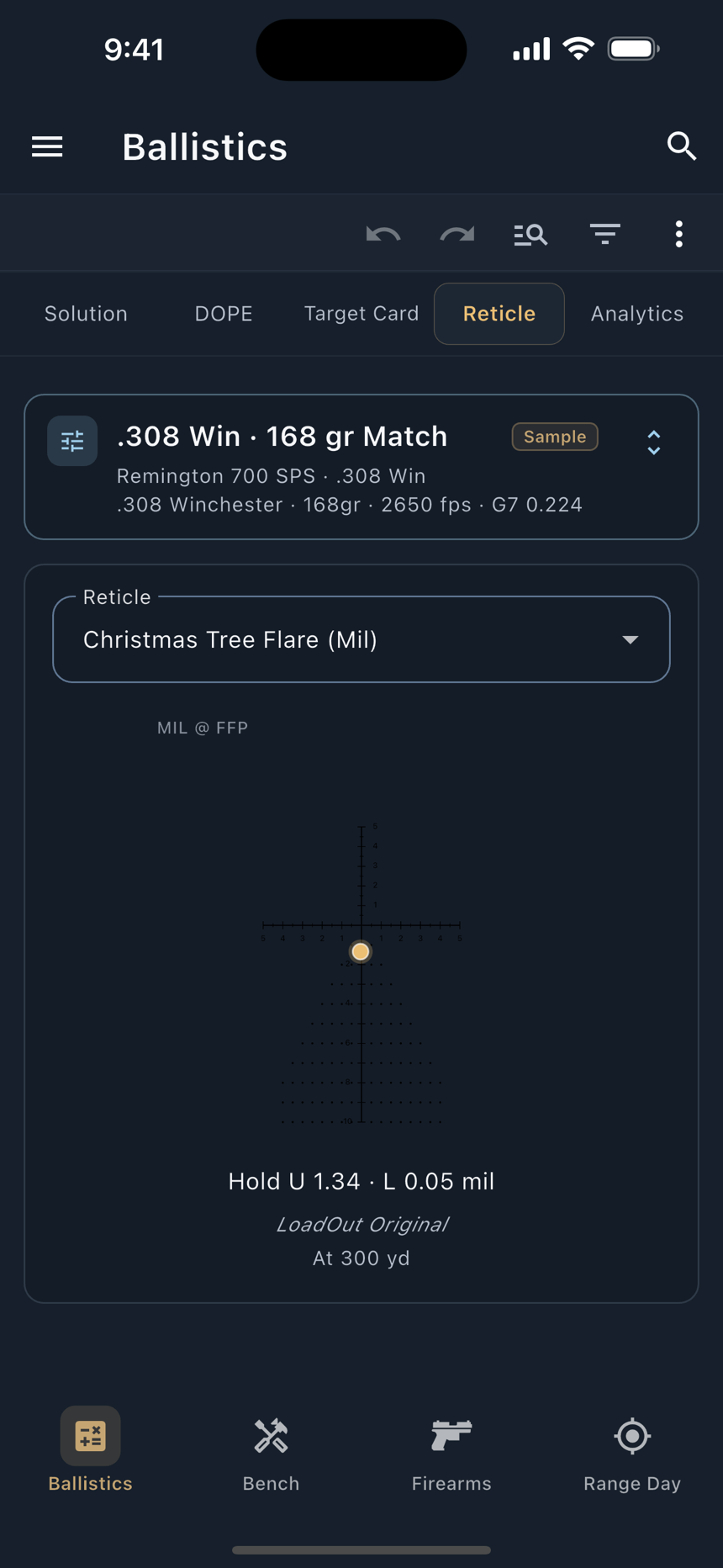
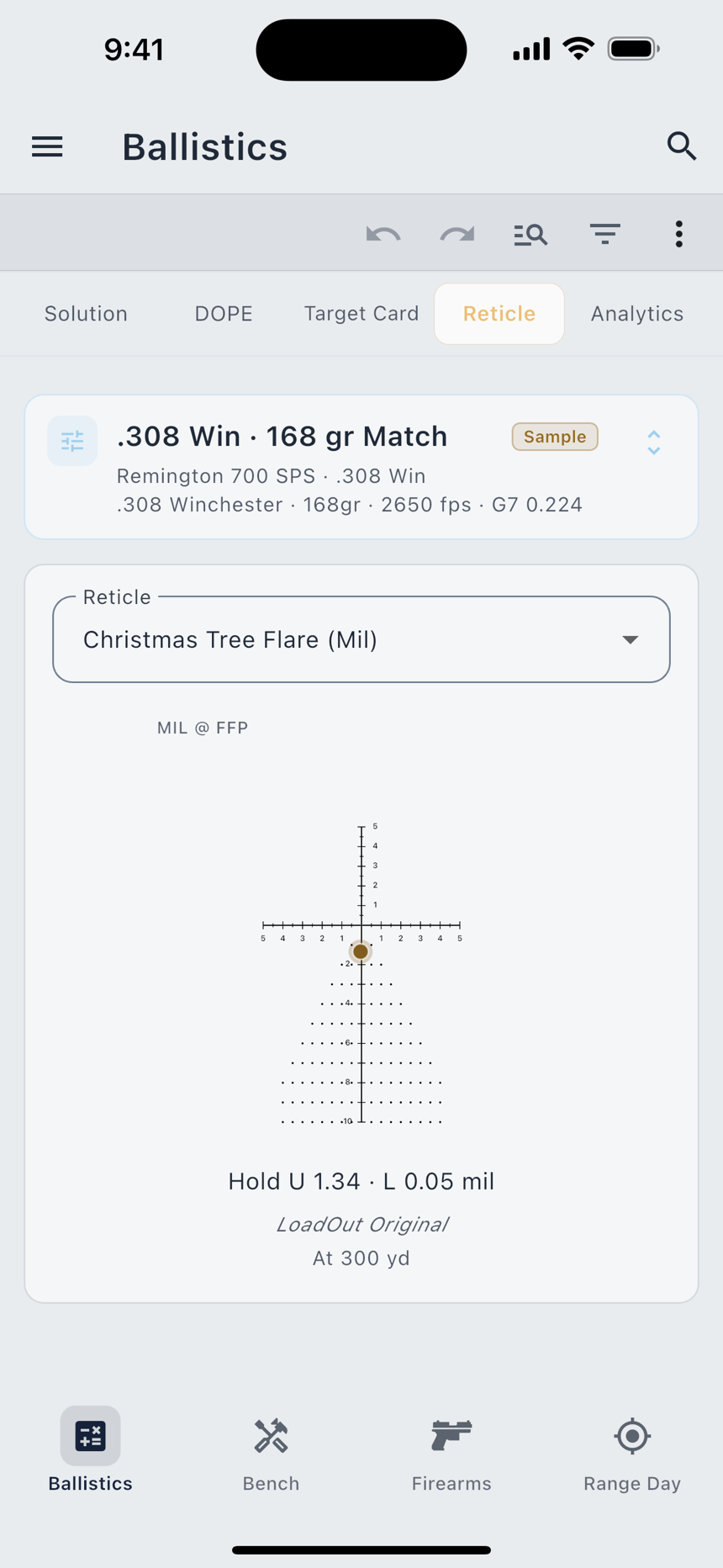
Your holds, drawn on your reticle. The tab opens on the reticle your firearm's optic actually carries rather than a generic mil tree, so the hold you are looking at sits on the subtensions you will look through. With no firearm picked there is no zeroed hold to place, and the view says so instead of drawing one.
For a mover the dot sits on the net hold, wind and lead together, so this view and the Solution view agree about one shot. A target that runs both ways has two answers and no single dot; the line under the reticle reads out both crossings instead.
Analytics and Full Analytics
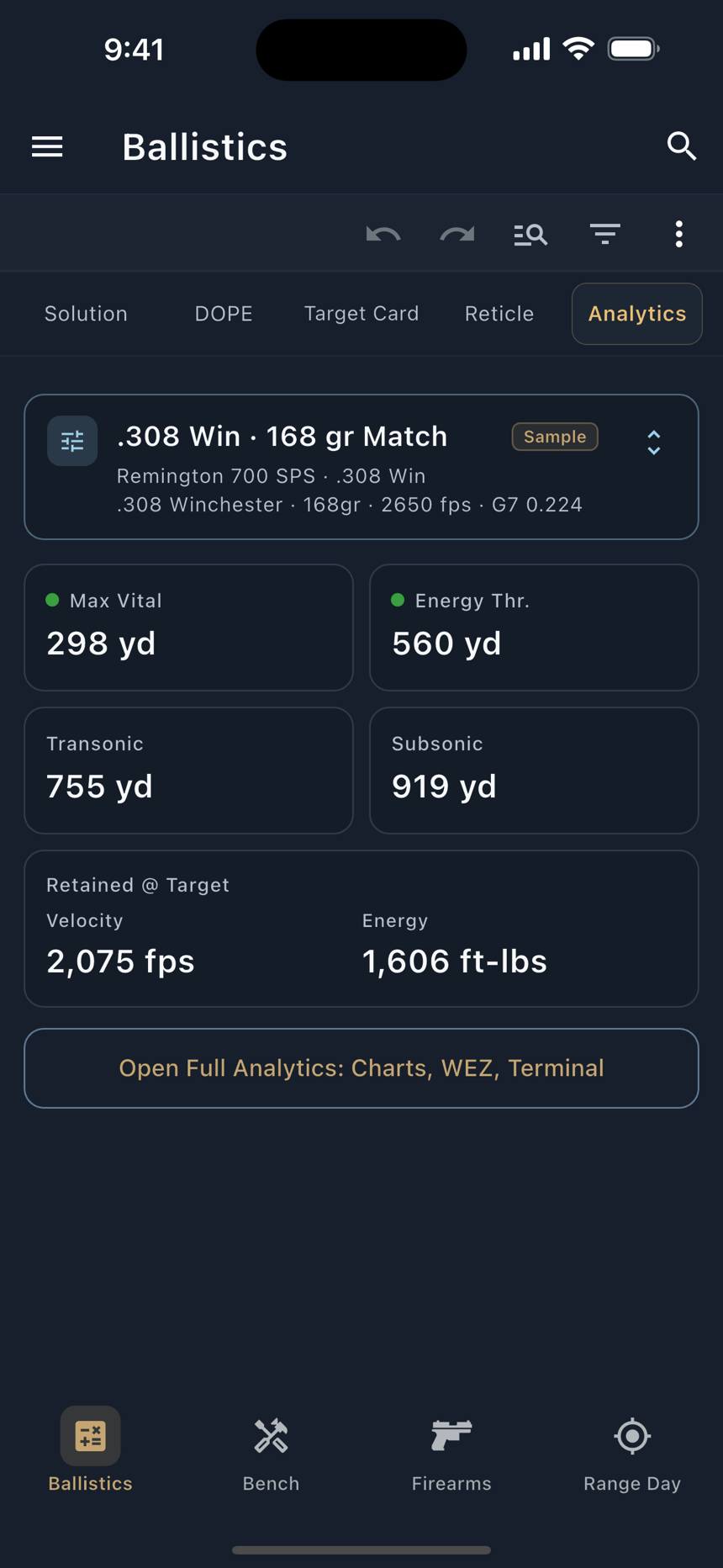
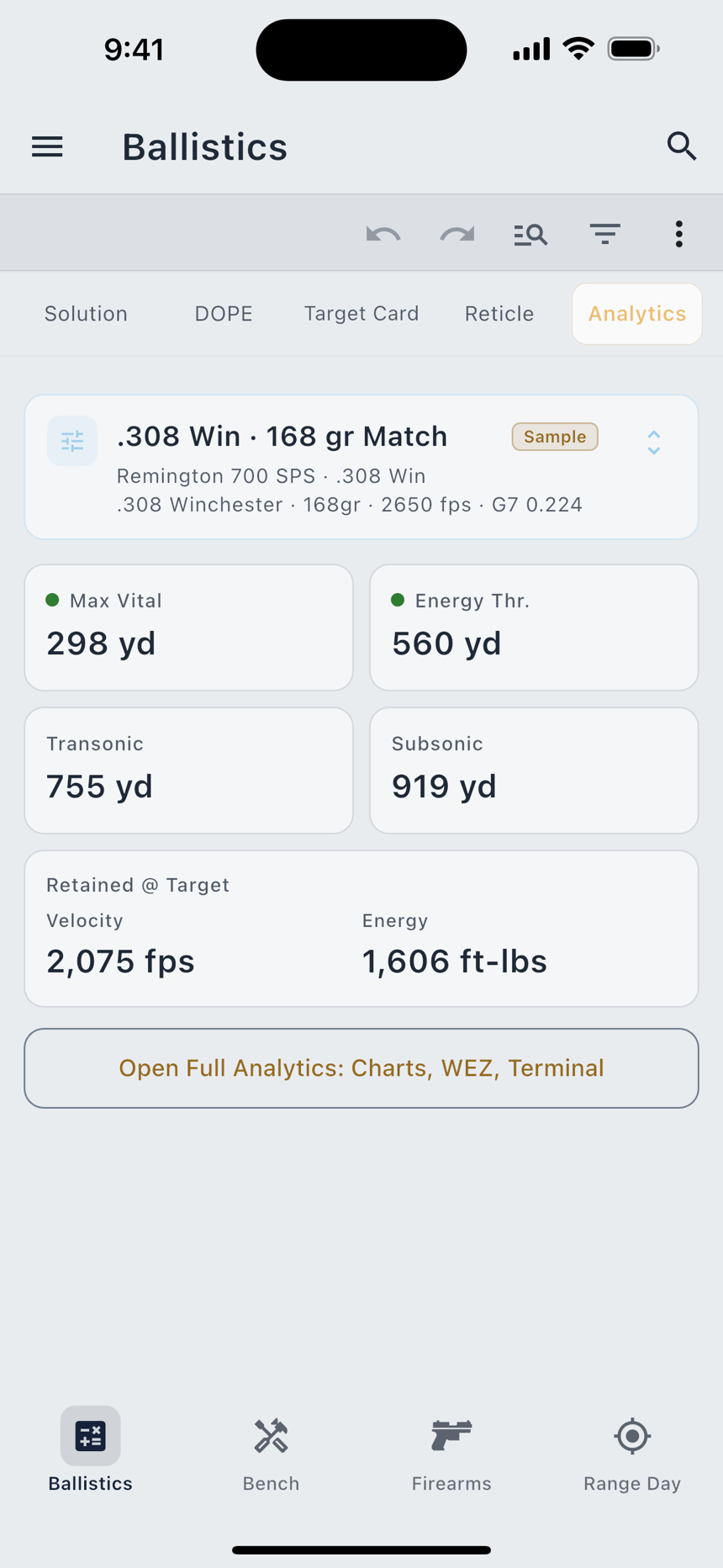
The Analytics tab is free and gives you four reach numbers plus the retained velocity and energy at your current range:
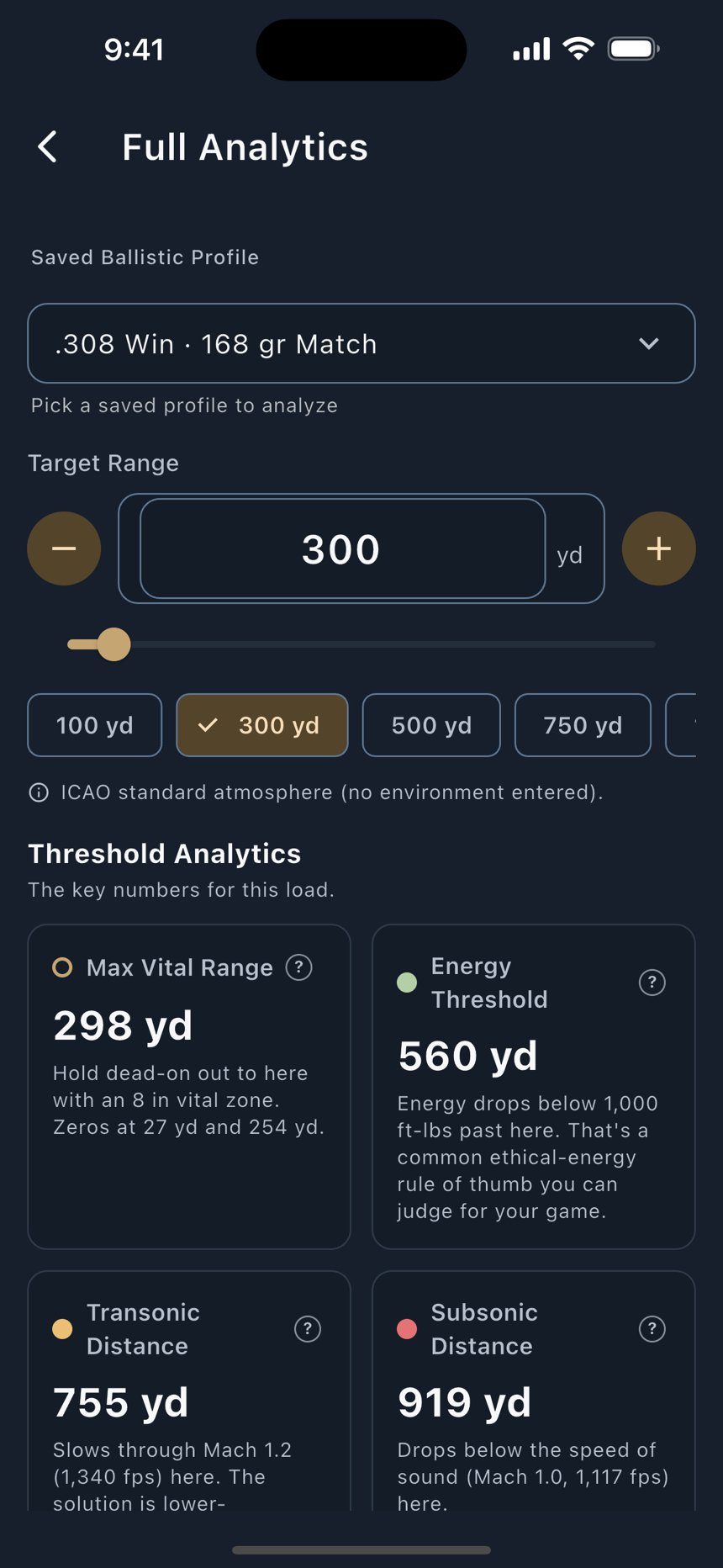
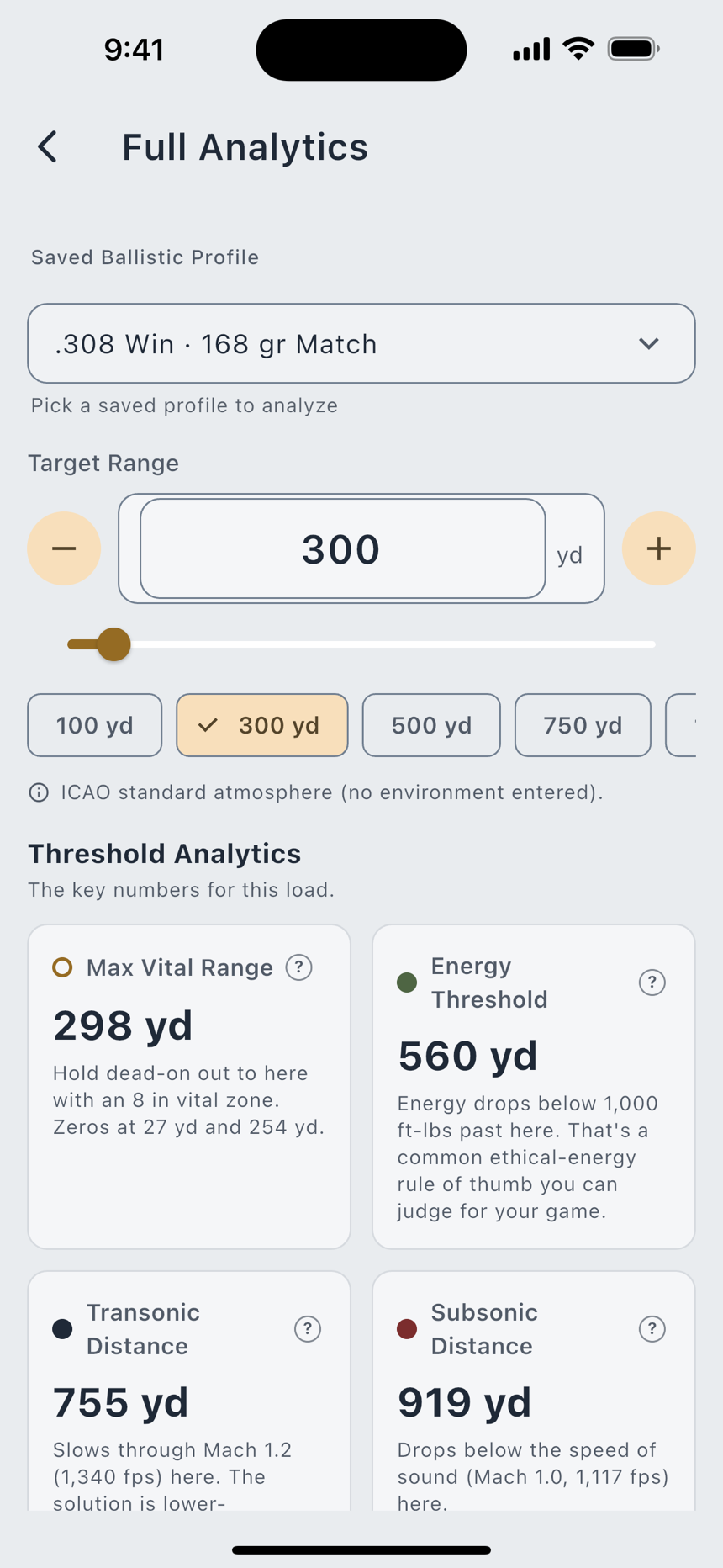
Pro Full Analytics opens the whole picture. Threshold Analytics carries the key numbers for the load, each with a tap-through explanation: transonic and subsonic distance, maximum point-blank range, energy threshold, maximum ordinate, time of flight, spin drift, and Coriolis. Below that sit the chart sections, in order: Hit Probability, Trajectory, Wind Drift & Hold, Velocity & Energy, Danger Space, and Terminal at Target.
If a solver effect is switched off under Settings › Ballistics & Range Day, the matching card says so in its own tooltip rather than quietly reading zero.
Environment and wind
Four fields describe the air: Temperature, Station Pressure, Humidity, and Station Altitude. Density Altitude sits with them. It is calculated from those four until you type your own. A density altitude you type sets the air by itself and changes no other field. While it stands, Station Pressure and Station Altitude are tinted and the sheet says they are not used. Use Calculated brings the calculated figure back. The field always says where its number came from: Calculated, Entered, or Measured by and the meter's name when a meter gives its own figure, which is then the one the solve flies.
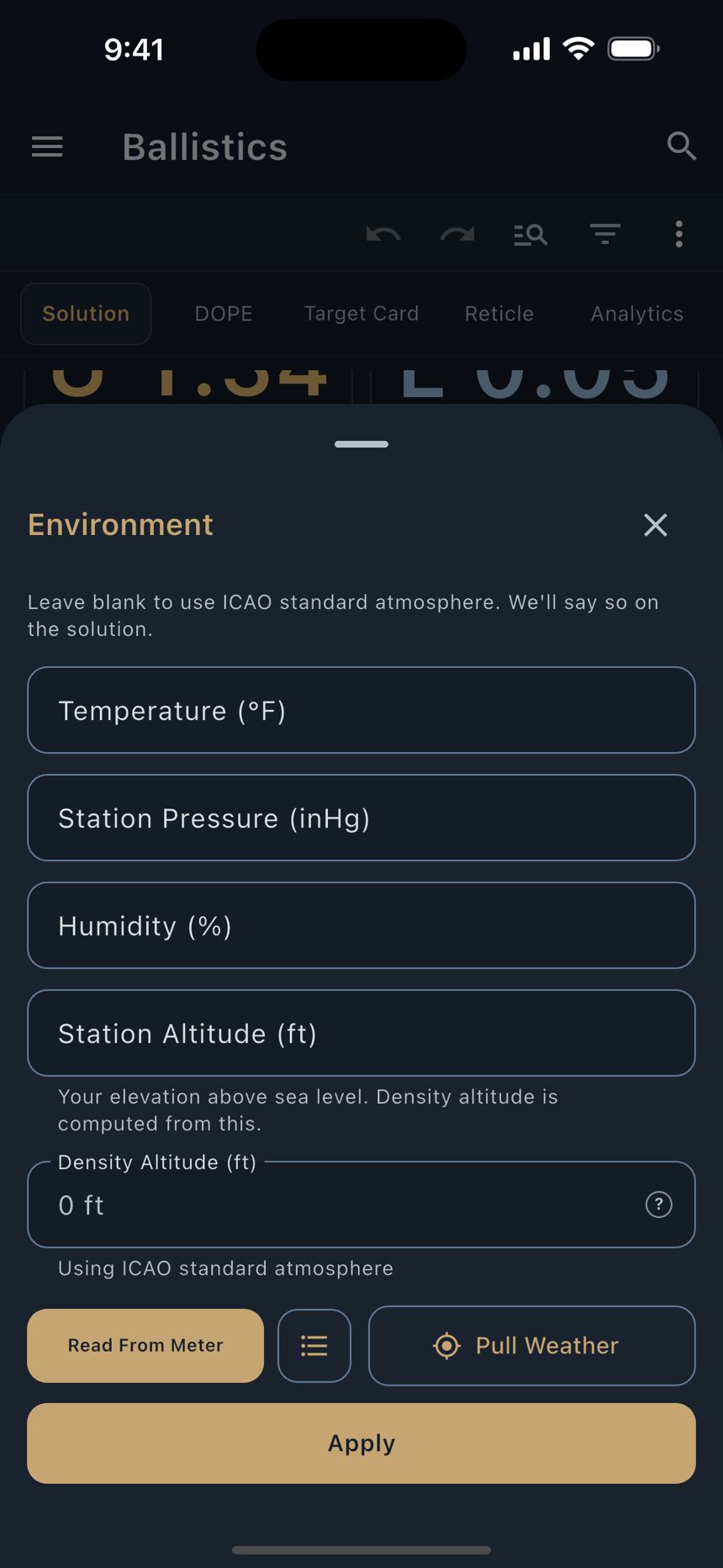
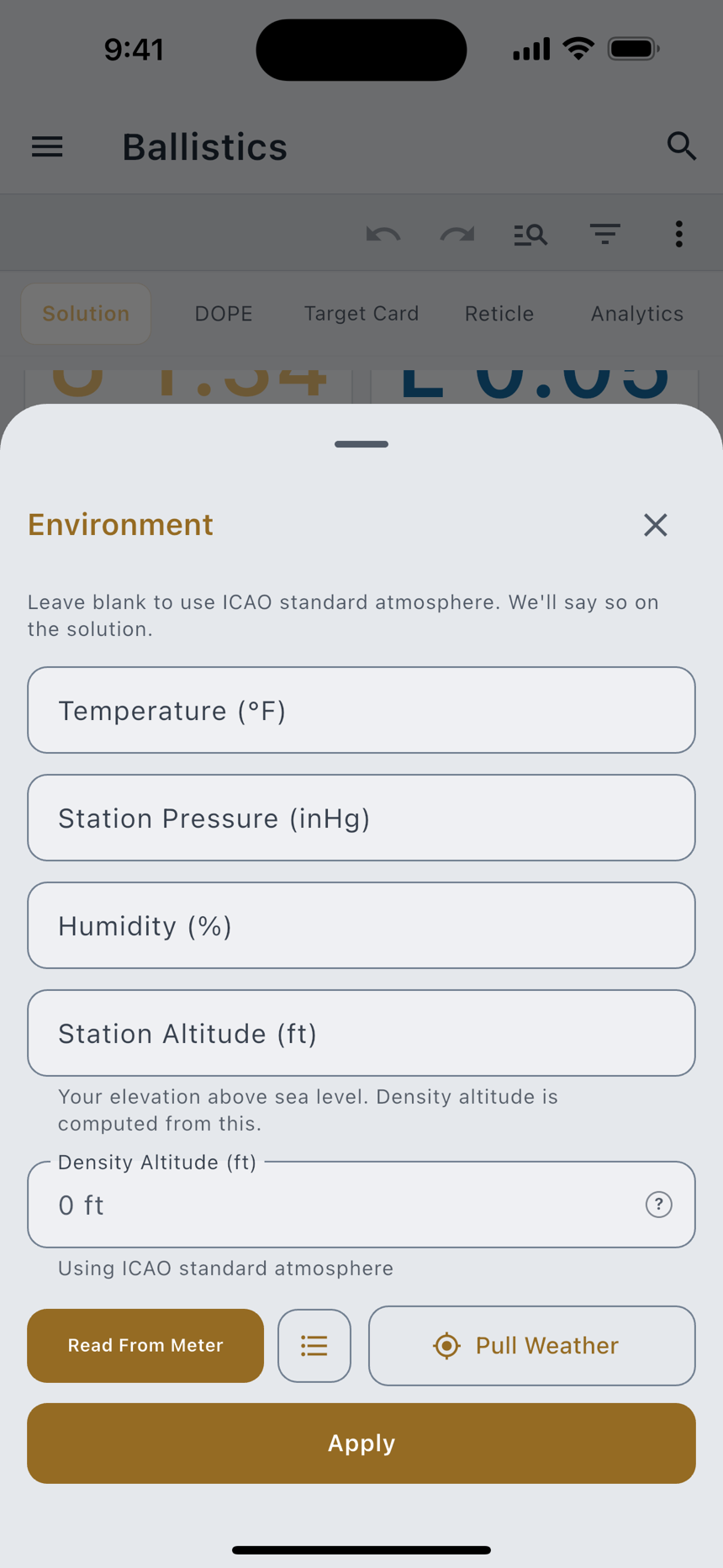
Until you give it your own conditions, the air starts on the ICAO standard atmosphere, a standard day. The Environment row shows those starting values in a muted color until you type or pull real conditions. Nothing else on the page says so. Thin air lets a bullet carry further, so muted values mean the solve is flying a standard day and not yours. Range Day's Loadout tab and Match Day each say it in a line of their own.
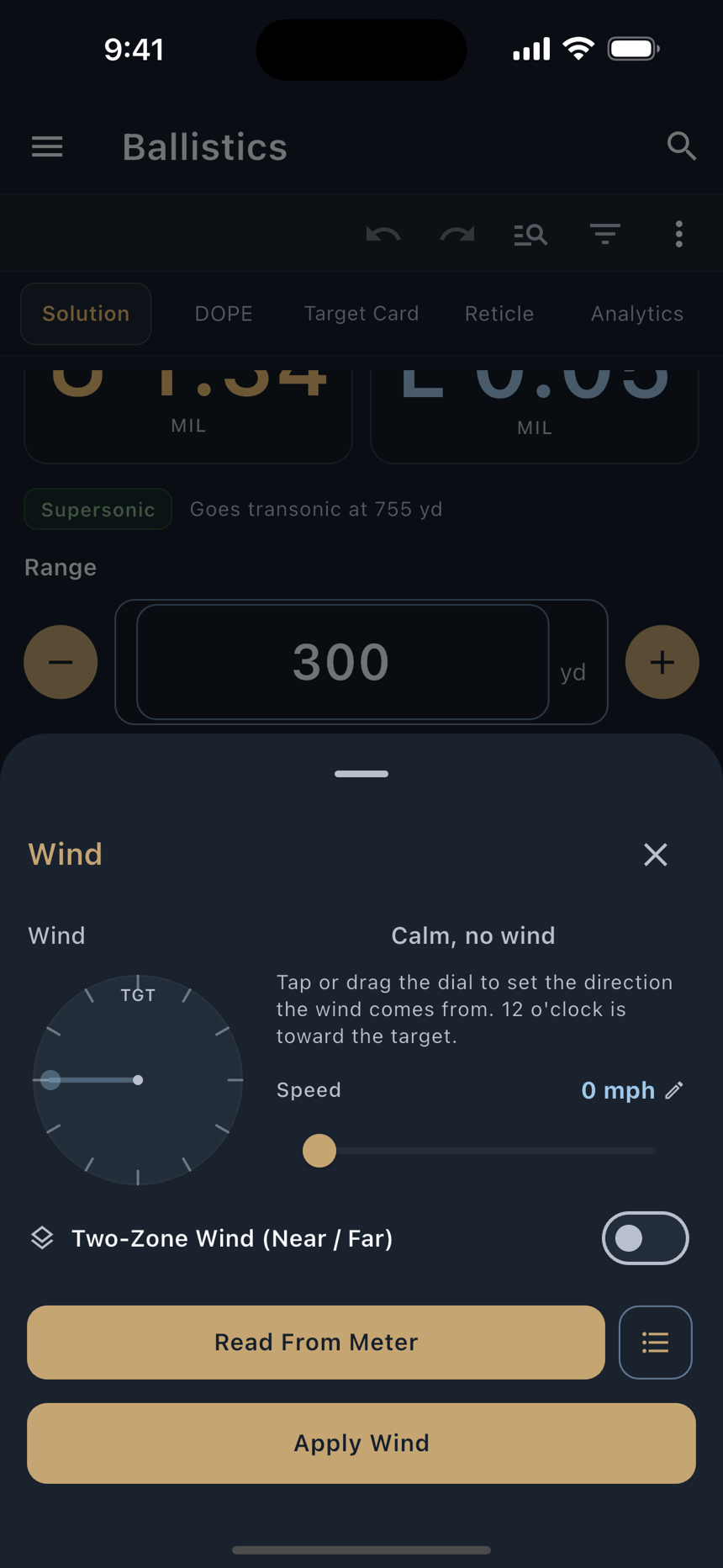
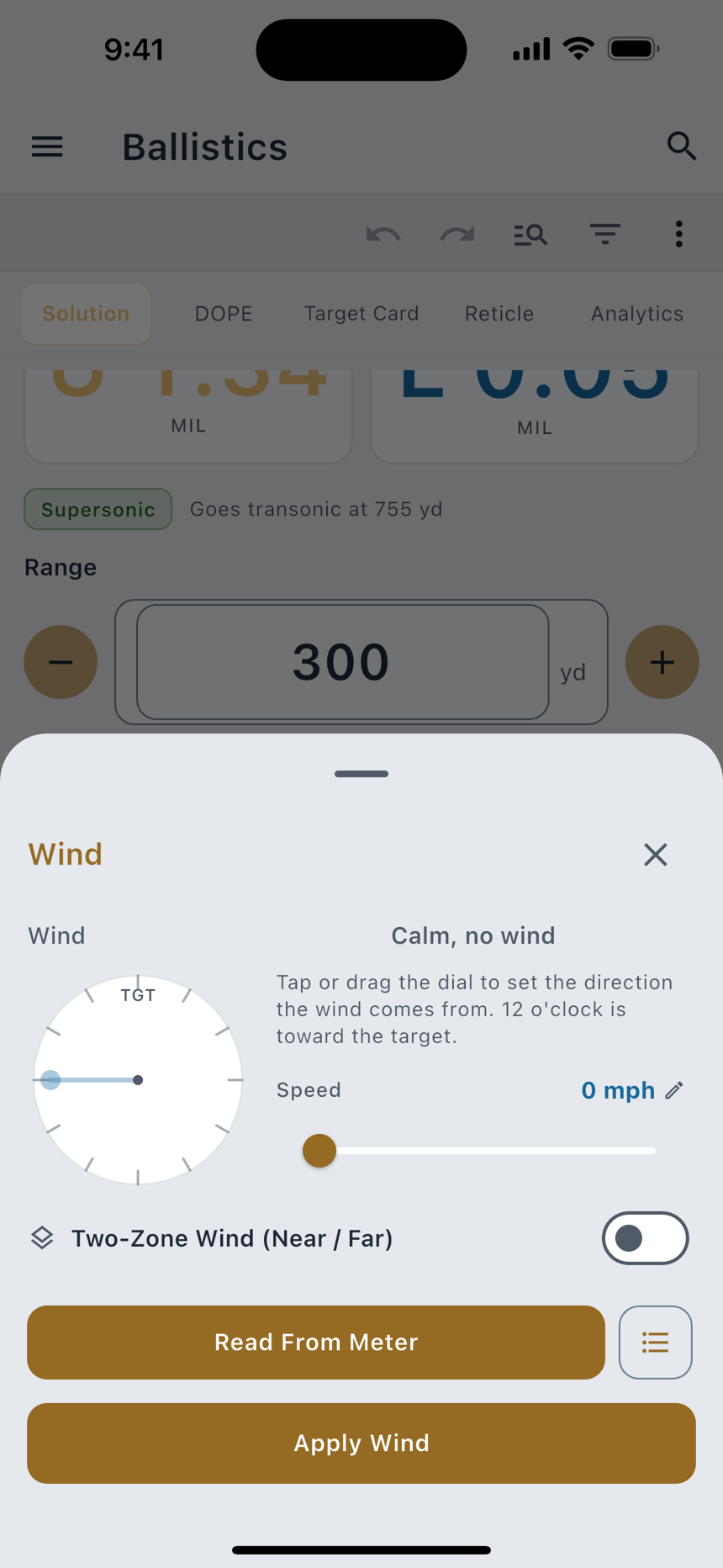
Wind is a call, not a measurement, and LoadOut treats it that way. With nothing entered the windage reads spin drift alone. It reads calm because nobody has told it otherwise. It never invents a breeze. Open the row and give it your own call: speed, plus the direction the wind comes from.
Pull Weather on the Environment sheet fills the fields for you, and it asks how. Snapshot captures the conditions once. Live Feed keeps pulling them at the interval you set, so density altitude stays current, and it leaves the wind alone. Either one puts the calculated density altitude back in place of one you typed. Reading the phone's own barometer and GPS altitude is free. The weather at your location and the Live Feed are part of Pro.
Advanced inputs
The rest of the inputs are optional, and each one buys a specific correction:
| Input | What it buys |
|---|---|
| Twist Rate | Spin drift. Without it, and without the bullet's length, the spin-drift term is left out and the app says so rather than folding a guess into the windage. |
| Incline | The uphill or downhill correction. Blank reads as a level shot. |
| Powder Temp Sensitivity | How much your load's muzzle velocity moves per degree. |
| Powder Reference Temperature | The temperature your muzzle velocity was measured at, so the sensitivity has something to work from. |
| Latitude | Turns on the Coriolis correction. |
| Firing Azimuth | Completes it. Left blank with a latitude set, it solves as a due-north shot. |
| Zero Temperature / Zero Station Pressure / Zero Humidity / Zero Density Altitude | The conditions you zeroed in, so a solve in different air can correct back to the zero you actually have. Zero Density Altitude works like the Density Altitude field: calculated until you type one. |
Drag models
LoadOut solves with a Modified Point-Mass engine over the six standard drag tables, interpolated rather than stepped:
| Model | Shape it describes |
|---|---|
| G1 | Ingalls, flat-base |
| G2 | Aberdeen J |
| G5 | Boat-tail, short |
| G6 | Flat-base, long |
| G7 | Boat-tail, VLD |
| G8 | Flat-base, very long |
Free Bullets that ship with measured drag data use it: a Cd-vs-Mach curve for that specific projectile instead of a standard table scaled by a single coefficient. Where a bullet carries one, the solve reads it, and the input list names Custom Drag Curve as the input in play.
True DOPE and truing
Free Truing corrects the model to what your rifle actually did. Open True DOPE, enter observations you took at known ranges (the drop you actually held, or measured downrange velocities) and the fit adjusts one axis. You pick one axis per session; the recommended one is preselected from your farthest observation.
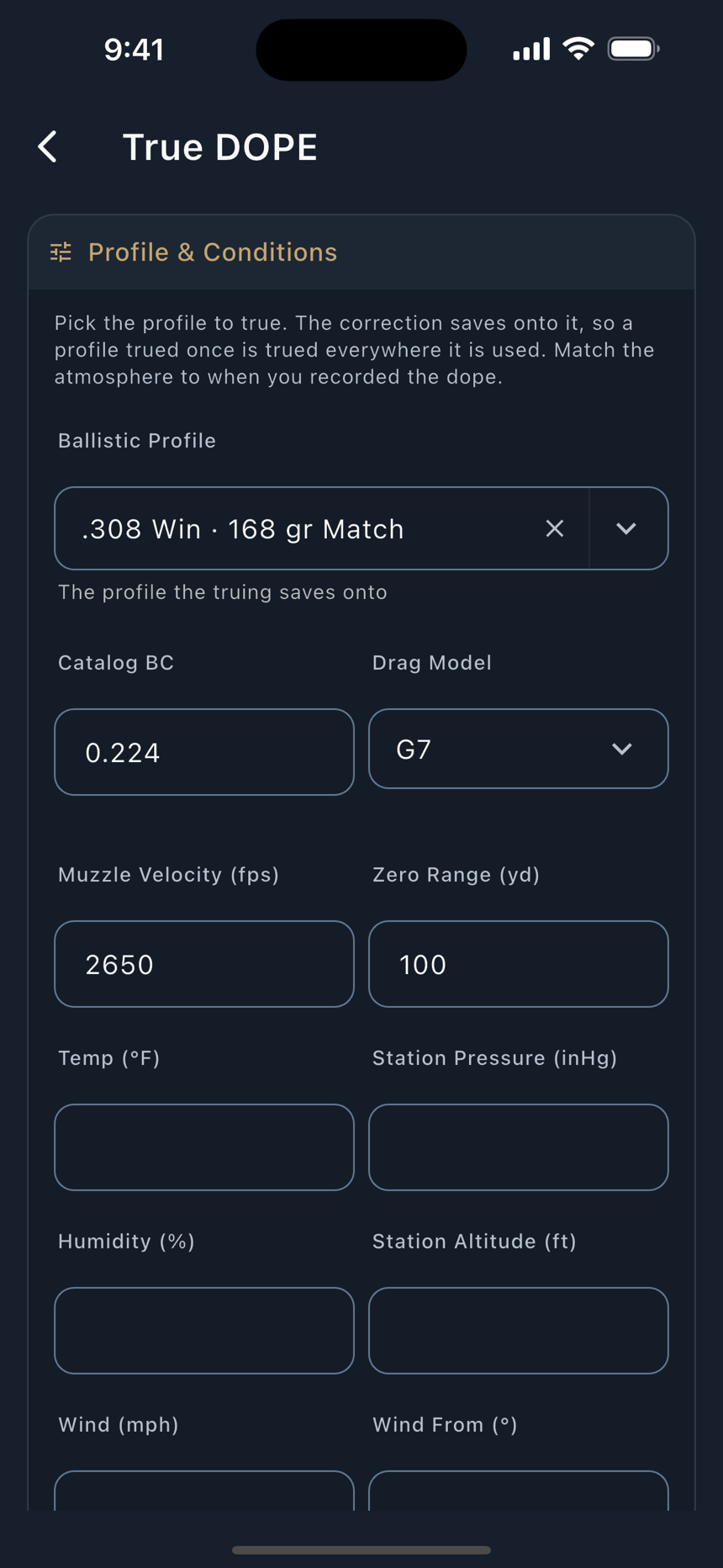
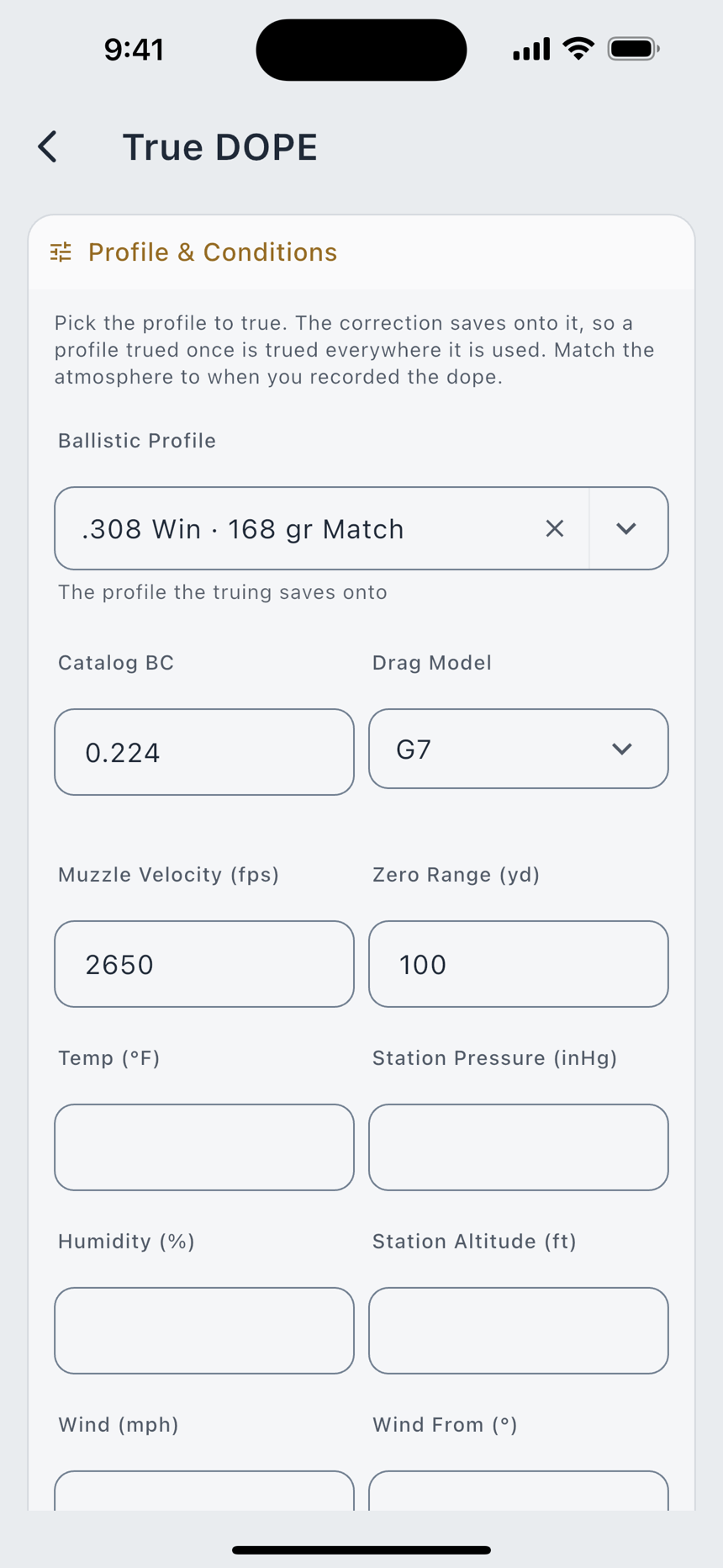
| Axis | What it corrects | When to use it |
|---|---|---|
| Muzzle Velocity | The launch speed the whole solve starts from. The published BC and drag curve stay untouched. | Your dope is off by a consistent amount across all ranges, and your farthest observation is still solidly supersonic. |
| Drag Scale | One reversible factor on the whole drag curve. 1.000 means the published drag matched your dope; the published BC is never changed. | Your dope matches up close and drifts off at the far end. True velocity first if you can. |
| DSF Table | A drag factor per Mach band instead of one number for the whole flight. Bands your shots never reached stay at 1.000. | The error is not proportional: dead-on near, increasingly off toward transonic. Needs shots reaching at least two Mach bands. |
A trued profile carries a Trued chip on the Solution view, and every correction is reversible: Clear Muzzle Velocity, Clear Drag Scale and Clear DSF Table each undo one axis and leave the rest alone.
The Hit Probability Map
Pro The Hit Probability Map plots your odds of a first-round hit across distance, given how well you and the rifle actually shoot. It reads a Shooter Capability group size, and it starts you at 1.0 MOA with the source stated on the card: Starting with a 1.0 MOA group. Enter yours to refine.
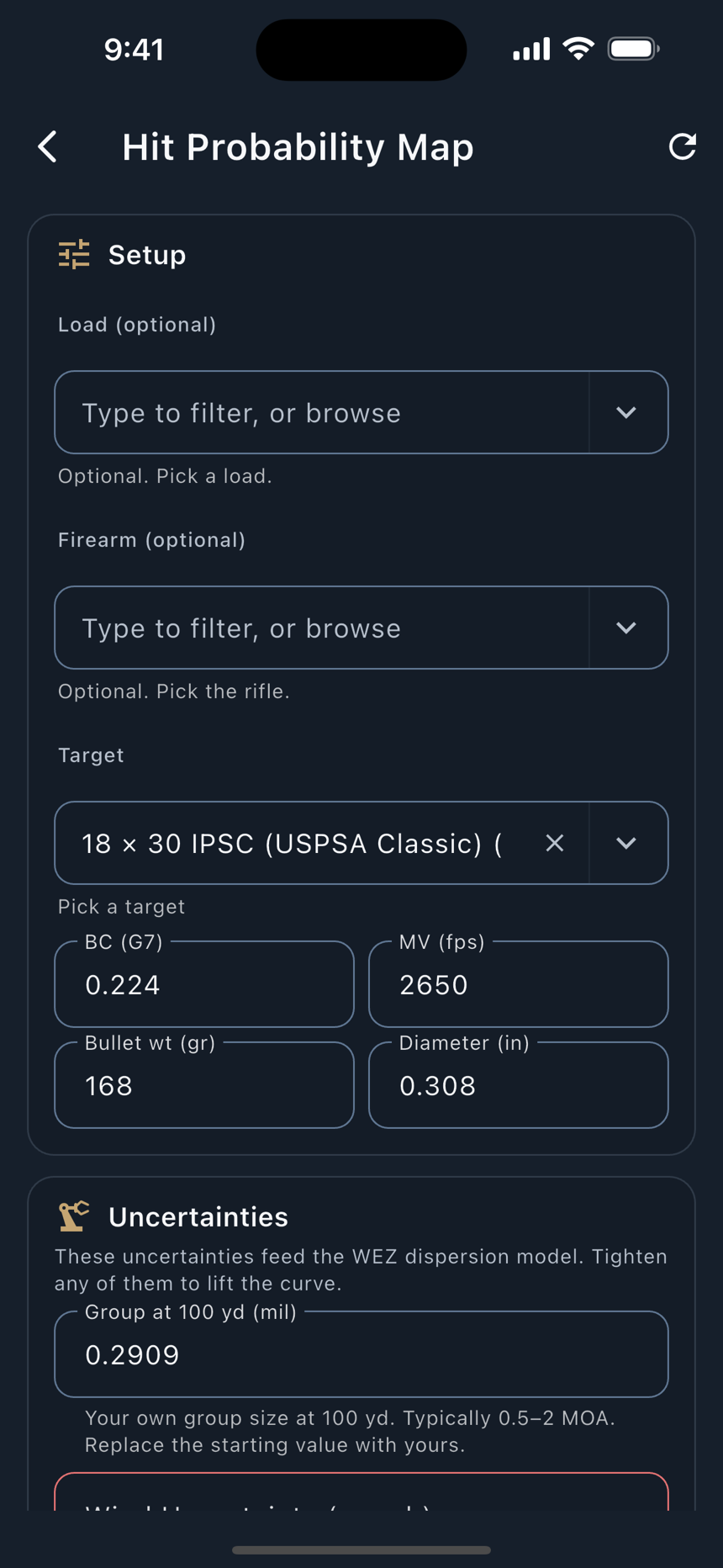
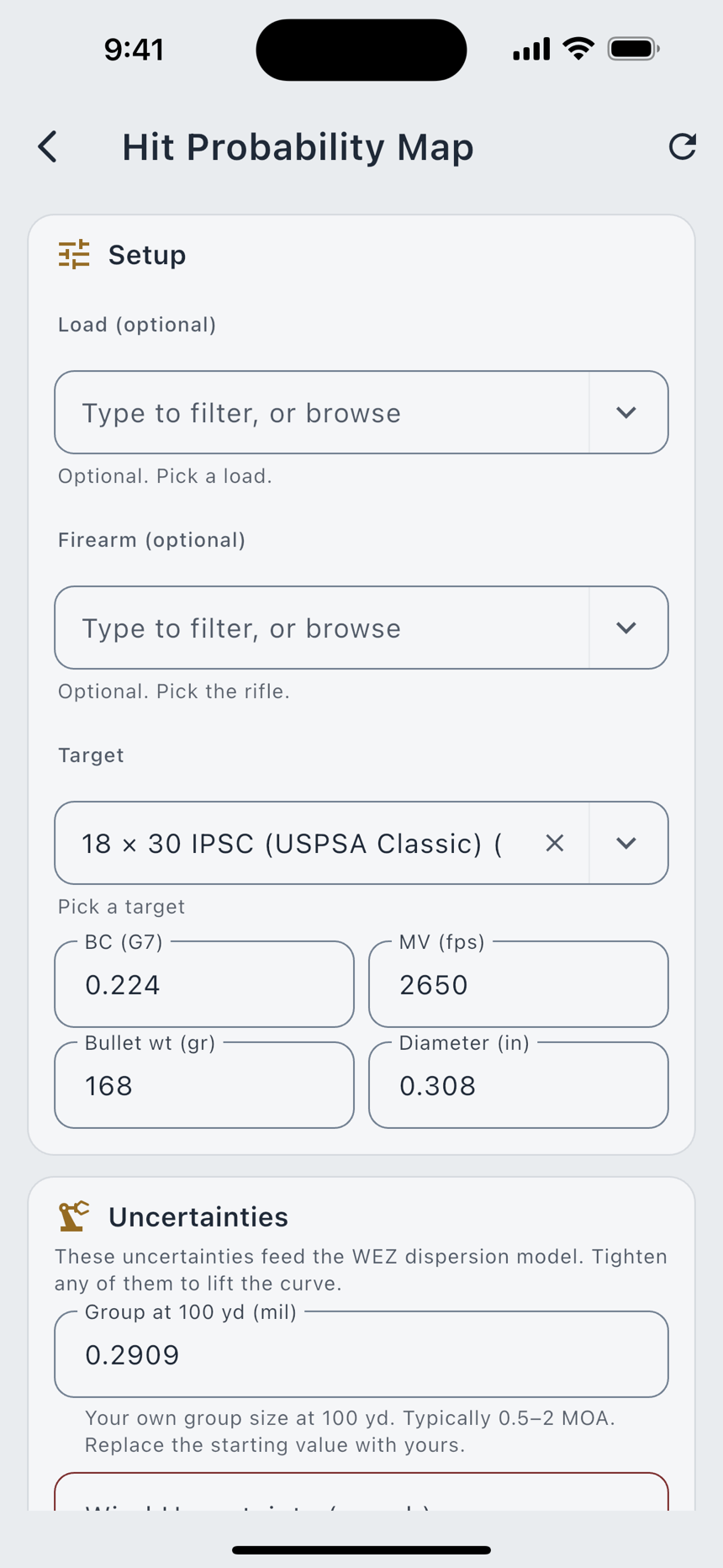
That starting number is only a place to begin. The line saying so stays on screen while the default is in play and goes away the moment you enter your own group. It is never written into your profile.
The Simple page
Simple is the Standard page with less on it. It has two tabs, Simple and Target Card, and the Simple tab holds what one shot needs.
- The profile line. One line names the load and rifle you are solving, with Change at the end. Tap it and three boxes open: Profile, Load and Rifle. Done, where Change was, closes them, and so does any pick you finish, even of the one already there. Back out of a pick and they stay open. The boxes show on their own only when nothing is picked.
- The two holds, elevation and windage, a little larger than on Standard.
- The range control, with the stepper and the five presets. There is no slider.
- Wind and Environment, the same rows and sheets as on Standard.
The status line stays. When an input is missing, Simple names it, the same as Standard.
The rest of the page is in ⋮. DOPE opens the DOPE tab as a screen of its own, with the range step, the table, Wind Call Bracket and Share DOPE Card all there. Reticle and Analytics open those tabs the same way. On the Simple tab, Target and Range a Target open the sheets that Standard keeps as rows.
The Match page
In Match/Competition mode the first tab becomes the Match page, built for the line at a match: your wind at the top, the stage's DOPE under it, and every stage one swipe away. The other four tabs stay as they are. The screen stays awake while the page is in front. Turn the phone sideways and the wind sits on the left with the stages on the right.
The page opens with the profile the Solution tab would use. Under the table, one line gives the air the page is solving in, and the line under it names the profile, with Change at the end. Change and Done work as on the Simple page. Until you pick a profile, or a load and a rifle, the three boxes sit at the top of the page instead, above the wind. The first time it opens, How the Match Page Works walks you through it in four steps. Help in ⋮ brings it back.
The wind dial
Your wind sits at the top of the page on a wheel: a clock face with 12 at the top. On a meter's wheel, the solid wedge points to where the wind is coming from right now, and the middle shows NOW. Wind Attributes in the wheel's ⋮ picks what the middle shows, from three figures.
NOW is on to start. Tap any figure for a short note on what it means. You can turn NOW off too, and a figure you turn off still solves your holds and still shows in the table. The line under the figures gives the direction as a clock time, now and on average. Round the outside of the ring, ticks show where the wind came from over the window. The longer the tick, the more wind from that bearing. The bearings that brought the strongest gusts are drawn in a second color.
Each wheel has its own ⋮ at the top right of the card. Edit Distance sets how far out that wind is measured. On a meter's wheel, Freeze holds that meter's reading (see The live strips) and reads Follow once it is frozen, and Wind Attributes picks the figures in the middle. On the wheel of the meter LoadOut follows, Set Heading or Set Up Direction shows there when the meter needs one. Delete takes a manual wheel off the card. On a meter's wheel it turns the wheel off, the meter stays paired, and Wind Sources turns it back on. Delete asks first when the wheel holds a call, a distance or a direction you set. One wheel always stays on, so Delete is greyed on the last one.
While a meter reads, the table moves with it. The Windage column and the numbers under the wheel change with every reading, and you tap nothing. If a meter goes quiet for ten seconds, its wheel reads dashes and the Windage column leaves that wind out until a fresh reading comes in. It never holds an old one. Reading a meter is part of Pro, as it is everywhere in LoadOut, and Live Feed or Snapshots covers how a meter feeds you.
With no meter paired, the card shows a manual wheel for your own call, and two chips sit at its top left. Environment opens the Environment screen. Connect Device opens the screen where you pair a wind meter. The call starts empty, so the middle reads CALL with dashes and Tap to Set Speed. Drag the hand, or tap the ring, to say where the wind comes from, and Set Wind Speed opens for the speed. Type it and tap Done. Tap the middle of the wheel to change the speed later, or empty the box and tap Done to clear it. A drag that starts on the ring turns the hand, and one that starts anywhere else scrolls the page.
Some meters read the wind's speed but not its direction. Their wheel starts with no hand and reads drag the hand for direction. Drag on the ring, or tap it, to say where the wind comes from, and the table uses the meter's live speed from that direction. Until you do, its speed stays out of the table. The speed is always the meter's, so this wheel never asks for one. If the meter starts sending a direction of its own, the table uses that one, and yours comes back if it stops.
With the phone upright, you can make the wheel smaller or larger. Drag the grip at the wheel's bottom right corner up to shrink it, or down to grow it. As it shrinks, the Environment and Connect Device chips hide, and the same rows are still in ⋮. The numbers under the wheel keep their size. LoadOut remembers the size you leave it at and opens the page at that size again.
Under the wheel, a band shows the row you picked in the table: its number in a circle and its range in bold, then two numbers in large type. They start as Elevation and Windage, and you can star others in Table Fields. With no row picked, it reads no row and dashes. When the row's Windage is a calm hold (see The table), the band carries the same mark beside it as the table, and a tap on it opens Target.
The live strips
Under the tabs, a strip says where a meter's weather is and how old its reading is: Weather at 450 yd for a meter you set 450 yards out, Weather at your location for one at 0, and the meter's name until you set a distance. Each meter that has sent a reading gets a strip, and the weather Live Feed gets one too while it runs, last. A manual wheel has none. One strip shows at a time. Swipe it to see the others, and the wheel turns to that meter. Turn the wheel and the strip follows.
The dot at the start of a strip gives its state: green while the meter connects or follows, amber when its reading has gone stale or is frozen, and red when it is not connected or the link drops. ✕ at the end of the strip takes the strips off the page, and the meters keep reading. A dot at the top right of the wind card then stands in for them, in the color of the most urgent state. Tap it and a card gives each strip's state and the age of its reading. Tap it again while the card shows and the strips come back. They also come back on their own when a meter's state changes, so a dropped link never hides behind the dot.
When a meter's wind is not reaching the table, a line under the strip says why, and Fix, where there is one, opens what it needs.
Each meter freezes on its own. To keep a meter's reading, tap Freeze on its strip, or press and hold its wheel. That meter's numbers, and its wind in the table, stop moving, its strip's dot turns amber, and Freeze reads Follow. The other meters stay live. Tap Follow, or press and hold again, and that meter jumps to its newest reading. Freeze shows only while a meter is following. A freeze holds while you move around the app, and every launch starts with every meter live. Freezing the meter LoadOut follows also holds it on the Standard page and in Range Day. On the Live Feed's strip, Freeze holds the weather and pauses the pulls, and Follow pulls at once.
More than one wind
Each connected meter gets a wheel of its own, and you can add up to three manual wheels. With more than one, pills at the card's top left name them, and the one on show is filled. Tap a pill, or swipe across the wheel, to move between them. On a wheel that takes your direction, start the swipe off the ring, since a drag that starts on the ring turns the hand.
Wind Sources in ⋮ lists every wheel with a switch and a distance. The distance is how far downrange that wind is measured, and 0 means at you. Tap it to change it. A meter in your hand stays at 0. One staged down the lane gets the distance it sits at. LoadOut reads each wind over its own stretch of the flight, so the Windage column is your hold for the whole flight through every wheel. Add Manual Wheel adds another call of your own, up to three. A meter's strip names the distance you set for it.
Wind Window in ⋮ sets how far back the average, the gust and the ticks look. Pick 30 seconds, 1, 2, 5 or 10 minutes, or type the seconds. It starts at 2 minutes, and LoadOut keeps your choice. Changing it clears nothing, because the numbers are worked out again from the readings already in. Reset Wind Window starts the average, the gust and the ticks over from now.
The stages
Under the dial, a row of numbered circles holds the match's stages. The filled circle is the stage you are looking at. Tap a circle to jump to it, tap the arrows either side, or swipe across the circles. On a new match, the plus circle at the end adds a stage.
When the match comes from Match Day, a green dot marks the stage Match Day is on, and the page turns to it when Match Day moves on. You can swipe ahead to read the next stage, and that never moves Match Day. Tap the circle with the green dot to go back.
Press and hold a circle, or double tap it, for a short menu headed with the stage number. On a match from Match Day, Go To Match Day Stage opens that stage's brief in Match Day. On a Match Card, Open in Match Card opens the card.
The table
Each stage is a DOPE table with one row per target. It starts with four columns: #, RANGE, ELEV and WINDAGE. Under the WINDAGE header is the wind the column was worked out at: the meter's reading now, your own call, or calm. With no wind on any wheel, the column still gives your windage, the bullet's own drift, the same number the Standard page shows with its wind empty, and the band under the wheel shows it too. A call counts as wind once it has both a speed and a direction. A load picked with no rifle leaves the column blank, as on the Standard page.
- Pick a row by tapping its number. The row is shaded and its numbers show under the wheel. Tap the number again to pick none. The first row is picked when the page opens.
- Change any cell by tapping it and typing. A small dot marks a cell you changed, and Reset in the same sheet puts the solved value back, or the one Match Day published.
- Move a column by holding its header and dragging it left or right. The row number and the range always stay first.
- Scroll sideways when there are more columns than fit. A swipe in the table only moves the columns. It never changes the stage.
- Add rows with the Add Rows button under the table. Type one distance, or several with spaces between them, and each one becomes a row. A stage holds as many rows as you need.
Tap a range and the target opens for editing, titled with its row number. Type a new range there. On a match from Match Day, a Reset button puts the published distance back. Tap Direction of Fire and Target Wind to open the rest. Direction of Fire is the bearing to that target in degrees, so one wind call can be turned to fit every target on the stage. Type it, or tap Aim Phone at Target and point the top of your phone at the target. Target Wind is for a target that sits in its own wind: drag the small wheel's hand for the direction and type the speed. Clear Speed puts the target back on the stage's wind.
The wheels read the wind from where you face, so a target with its own Direction of Fire needs the page's azimuth to turn that wind to it. Without one, the target's Windage is the calm hold, the bullet's own drift, and a small mark sits beside it. Tap the mark to open Target and set Azimuth.
Change the elevation on more than two targets of a stage and LoadOut asks True Your DOPE?, with each range beside the solved value and yours. True DOPE opens True DOPE with those ranges and elevations already in as observations. Not Now leaves them as you typed them. Your edits stay either way.
Table Fields
Table Fields in ⋮ lists every column the table can show, each with a line on what it means. Switch a field on and it joins the table. The row number and the range are always there.
Add Wind Bracket makes a column for a wind speed you choose, with the hold at that speed from the direction the wheel shows. Add as many as you shoot with. Add Custom Column makes a column you name and fill in yourself, row by row.
Tap the star beside a field to show it in the band under the wheel. Two fields can carry a star. Star a third and the oldest star comes off. Elevation and Windage are starred to start.
The Match menu
On the Match page, ⋮ carries rows of its own, each with a line saying what it does.
Open in Full Screen leads the Match rows. It shows the wind card and this stage's table with nothing else on the screen, the wheel sized a little small so more of the table fits under it. The strips are not there, so the dot at the card's top right shows whenever a meter or the Live Feed is live. Everything you change there is changed on the page. To leave, tap the round ✕ at the top left, swipe down from the top edge, or swipe in from the left edge. On Android, Back works too.
There is no Read Aloud button on the Match page. To hear a hold, ask Siri.
Clearing and starting over
Clear Match and Clear Stage sit at the bottom of the menu, and each one asks first. On a match from Match Day or a Match Card, Clear Stage empties the stage: its targets, your rows and your edits. Clear Match does the same to every stage. On a match from Match Day, Reset to Match Day brings the published stages and targets back. On a new match, Clear Stage puts the starting distances back, and Clear Match starts over with one stage.
Getting a match onto the page
The page holds one match at a time and remembers it between launches. A match gets there one of three ways.
- From Match Day. In a match you joined, ⋮ has Open on Match Page once the course of fire is on your phone. The stages and targets come in as published, solved with your profile. Opening the match this way again starts it fresh, as published.
- From a Match Card. In the Match Cards list, the button on a card's row opens it on the page. A Match Card has no Match Day to follow, so its circles carry no green dot. Open Match Cards in ⋮ takes you to the list.
- A new match. With nothing else on the page, Match mode starts a new match with one stage. Its rows start at the same distances as the starter Target Card, and the plus circle adds stages.
Confidence, limits, and what it refuses to guess
Every solution carries a confidence pill, and it is atmosphere-aware rather than a fixed distance:
Where those bands fall is a property of your load, not of the app. A heavy, high-BC magnum stays confident far past the range where a lighter bullet has already gone transonic, and the flag moves with the load rather than sitting at a fixed yardage. Beside the pill sits a plain-language reach line saying where this load crosses those bands, and a range past the end of the solved arc is named as such ("past LoadOut's modeled range for this load") instead of being extrapolated.
Past 2,500 yd a second, separate advisory applies: beyond that distance a solution is solver-projected rather than checked against a published reference trajectory, and Range Day, the Scope View, Match Day stages and any spoken answer all say so on the solution. The hard ceiling is 3,500 yd; a typed range above it is refused outright and you are told the range did not move, rather than being silently clamped to a number you never asked for.
When a solution cannot be computed, a card says Can't compute a firing solution yet and lists each missing input by name and in your units, from Bullet Weight, Bullet Diameter, Ballistic Coefficient, Muzzle Velocity, Zero Range and Sight Height. Tap one to fill it in. Where a catalog ballistic coefficient was withdrawn for want of a verifiable source, the list says that too.
Open the page with nothing entered and both holds read as dashes. Nothing about the bullet is filled in for you, and the rifle starts with only a zero range, a sight height and a right-hand twist direction, each yours to change. The air starts on the ICAO standard atmosphere, and the Environment row shows those starting values in a muted color until you enter your own. Wind and latitude stay empty. If the app has not been told, it says so instead of showing you a number.