Chapters
On this page
A watch app earns its place by removing a reach. Behind a rifle you cannot pick up a phone to see what to hold, log the shot you just fired, or start a stage clock. LoadOut puts those three on your wrist.
What the watch is for
All three follow one rule: the phone does the math, the watch shows and collects. None holds a ballistic profile or runs a solver. Every number a watch shows, and every word it reads out, was worked out on your phone.
The watch is a two-way remote control, not a display. Sensitivity, timer defaults and the rest are set on the phone, at Settings › Connected Devices › Watches, and pushed across as you change them; where the watch carries the same control, changing it on the wrist applies it there and reports it back, so the phone's next push carries your change instead of reverting it.
| Platform | Requires | Pages | Face surface | Reads solutions aloud |
|---|---|---|---|---|
| Apple Watch | watchOS 10 or newer | Seven, vertical; eight with Stats | A complication | Yes |
| Wear OS | Wear OS 3 (Android 11) or newer | Seven, horizontal; eight with Stats | A tile and a complication | Yes, on a watch with a speaker |
| Garmin | Connect IQ, 31 supported devices | Seven, one button | A glance | No (Connect IQ ships no speech) |
Apple Watch
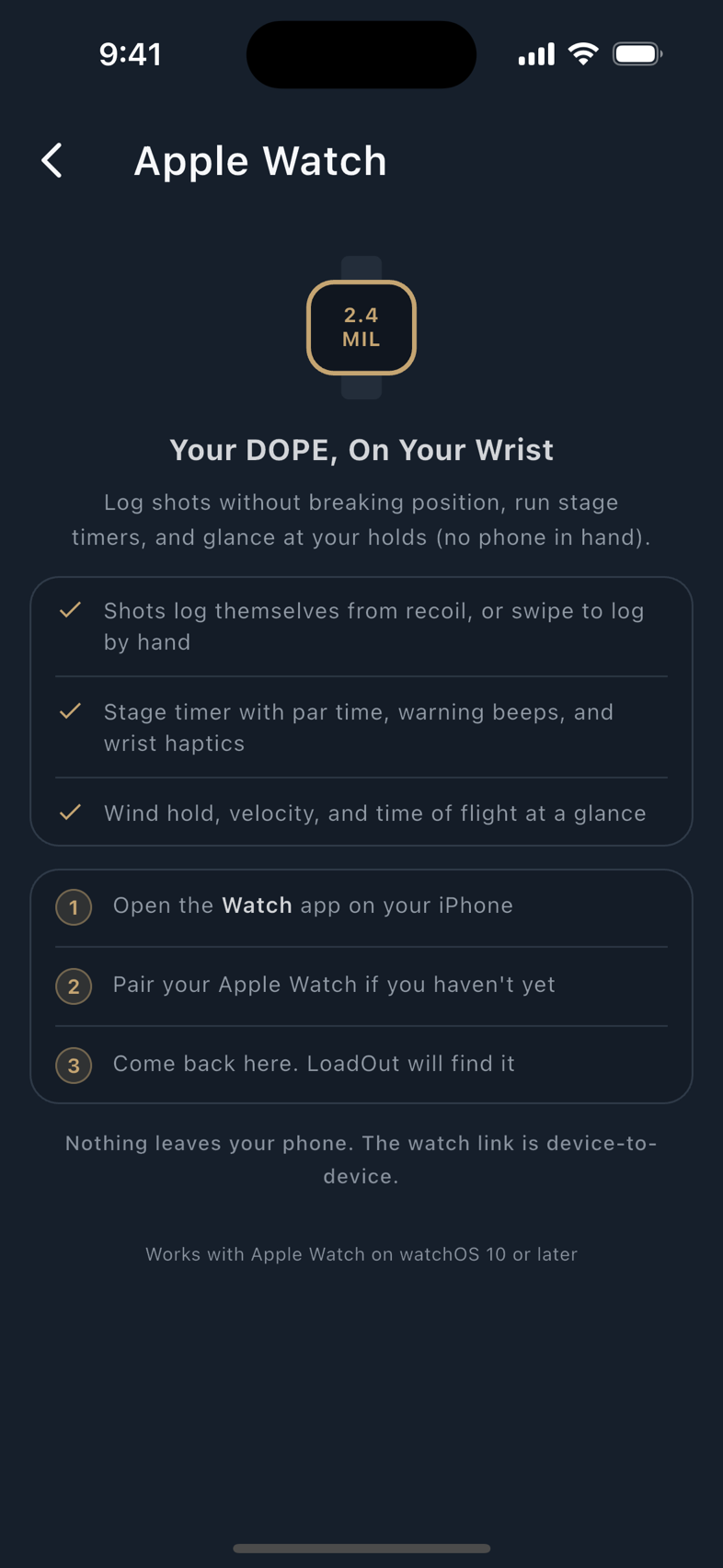
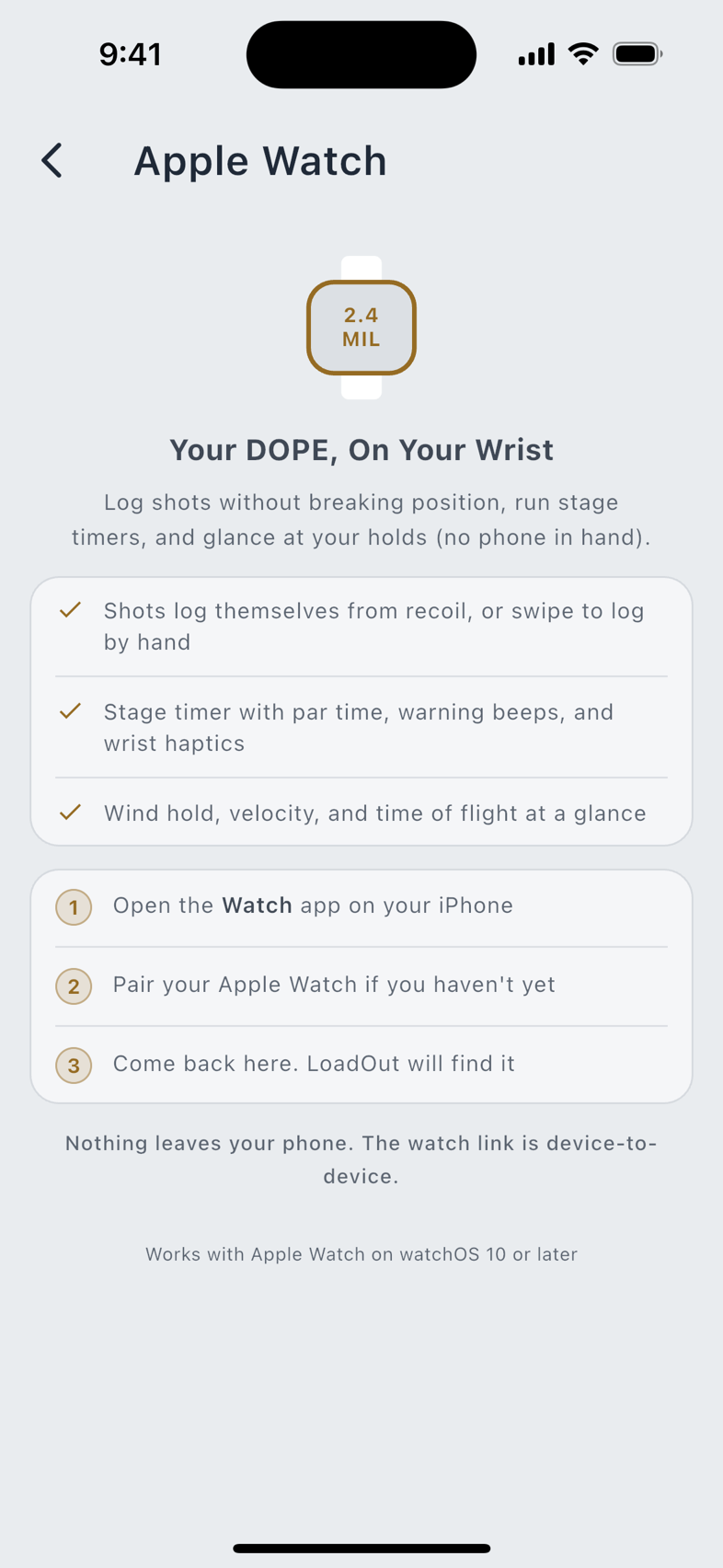
Seven pages, swiped up and down: the timer, your holds, a hit tally, your shot log, your rifle, settings, and an about page. An eighth page, how you have been shooting across sessions, appears only while the watch is holding a Shooter Stats look-back, and that look-back is Pro. Without it the page is absent from the deck rather than locked: there is no tile to tap. The watch does not always open on the same page. A running or paused stage clock wins, because that is the page you cannot afford to go looking for. Otherwise it opens where you left it.
Logging shots, and hearing the answer
The shot log page feels for recoil and offers to record the shot, starting at the marked Default of 2.0 g. Tap Start to arm it, Stop when you are done. You get three seconds to skip a false reading, so a stumble never becomes a shot.
With the spoken readout on, every logged shot asks your iPhone for the next target, and when the answer comes out of the watch's speaker it taps your wrist first. Under ear pro you will not hear the words, so the tap is how you know it answered. The watch plays at the volume you set it to and no app can go over that, so pair your ear pro to the watch, since foam plugs and muffs block the speaker outright. It keeps its own voice list, separate from your iPhone's, and better voices download over Wi-Fi while charging.
The shot log does the asking
Start a capture and it reads Target 1 before your first shot; every shot moves you to the next. Your iPhone works out the answer, or takes the spoken callout you wrote for that target, and sends the whole sentence for the watch to speak. It sends the whole Target Card at once, so the watch can answer from its own copy with the phone in a bag. That message has a size limit, and about 33 targets fit; a longer card is not sent at all, so nothing arrives cut short.
The timer, the face, and the queue
The stage timer gives you par time, warning beeps and a split button while it runs. The numbers come from your phone, you can nudge par by thirty seconds on the wrist before you start, and Quiet Mode silences the beep and keeps the buzz.
Add LoadOut to a watch face and the complication shows your active load and the next par time without opening anything. With no load picked it prints a dash, never a number it was not given. A shot logged while the iPhone is asleep waits in a queue and lands when the phone wakes; settings changed on the phone are held the same way, so there is nothing to retry.
Competition Mode arms the stage clock, shot capture and the spoken readout together, from Siri on the wrist or the Action button on an Ultra, and on Wear OS from the watch's own Start control. One End stands all three down. Install the app from the Watch app on your iPhone.
Wear OS
Seven pages, swiped left and right: the timer, your holds, a hit tally, your shot log, your rifle, a settings page, and an about page. The stats page is the eighth and appears on the same terms as on the Apple Watch: only while the watch is holding a Pro look-back, and absent rather than locked without one. As on the Apple Watch, a running or paused stage clock wins the opening page.
Two ways to log a shot
The capture mode picks one; they never run together.
- Auto: recoil. The shot log page offers you the shot for three seconds before recording it, starting at the marked Default of 4.0 g, the Medium detent. Detection arms with the capture session, not with the page: it listens from the moment you start a capture until you stop it, including while you are looking at another page.
- Manual: the control. With detection set to Manual a Log Shot row appears on the holds page while a capture is running, and it is the only way a shot is logged: in Manual the detector does not listen at all.
Nothing is swiped. There is no swipe-to-log gesture on the shot log page: it was removed after it proved able to record a shot twice, or record one at the wrong distance.
The holds page, the rifle, and calling hits
Nudge the wind speed on your wrist and the hold rescales from the numbers your phone already solved; a distance jump moves you through a long ladder without walking it row by row. About 33 targets fit in one card, the same limit the Apple Watch has, and a longer one is not sent rather than arriving truncated.
The rifle page shows your active rifle, its caliber and how many rounds it has fired. Set a round-life target and it also shows the rounds you have left; without one that spot shows a dash marked No Budget. It will not invent a number. The tally page counts hits and misses; before your first call the hit rate reads as a dash, not zero percent, because zero would read as a miss.
The readout, the tile, and two different counts
The stage timer runs par, warning beeps and splits, with the same thirty-second par nudge and Quiet Mode. For the readout, your watch's media volume sets how loud it gets. Check that first if you heard nothing, since some watches lock volume to one level. The watch's own settings page carries that volume as a row, with a Max button for ear protection, and Choose Voice opens the watch's own voice list; favour one that works offline, because a voice that needs a network connection will not speak at a range with no signal. A watch without a speaker writes the line on the screen instead of reading it aloud.
Swipe to the LoadOut tile for your load's recipe name and the stage par time without opening anything; a load with no name shows its cartridge and bullet weight instead. It is read fresh each time the tile appears. With no load picked it says Pick a Load on Phone, and with no par sent the par shows a dash. While Voice Commands is on, the tile also carries a Voice Input button that opens the watch's speech recognizer; it is hidden while Competition Mode is armed. Tap the rest of the tile to open LoadOut.
LoadOut can also sit on your watch face as a complication. A small slot shows the stage par; a wide slot shows the stage par and your load's recipe name, or its cartridge line. With no load it reads No Load, and with no par sent the par shows a dash. Tap it to open LoadOut.
Two counts on the settings page mean different things. A shot logged while your phone is out of range is saved and sent when the phone comes back, and those queued shots need nothing from you. A separate red count means shots were not saved, and only those go in by hand.
The holds page and the shot log each carry a microphone button, and the tile's Voice Input button opens the one on the holds page. Both use your watch's own speech recognizer, and they appear only while Settings › Voice & AI › Voice Commands is on, on your phone. LoadOut never opens the microphone and declares no recording permission, and the transcript is parsed on the watch and never kept. Install from the Play Store on the watch when LoadOut for Wear OS is on Google Play.
Competition Mode is on the Wear OS watch as well. Its own Start Competition Mode control arms the stage timer, shot auto-capture and the spoken readout together, and a single End control stands them down; the phone and the watch each tell the other what they just did, so a stage you started on the wrist shows as started on the phone. What Wear OS does not have is a system assistant to start it by voice: Google Assistant is gone from Wear OS, so the control is the way in. The microphone button does not start or end it either: ask it to, and the watch tells you to start and end Competition Mode on the watch screen.
Garmin
Seven pages, driven with one button: press the light button to move to the next. It only goes one way and wraps around, and there are six on an Instinct 2, which has no stats page. While LoadOut is open that button will not turn your backlight on. Nothing is broken, and leaving gives it back.
The shot log page offers you the shot before recording it, and only listens while that page is on screen. The tally page shows a dash rather than zero percent until your first call. The holds page carries two dials: one nudges the wind speed and rescales the hold, the other jumps you down a long distance ladder. The stage timer runs par, warning beeps and splits, with Quiet Mode.
A Garmin gets half the message room the other two do, but is sent only the line it draws, so about 53 targets fit, more than either of the others. Past that none arrives and the line stays away. LoadOut can also sit in your glance carousel, one swipe away, showing your active load and the next par time; with no load picked it prints a dash.
A Garmin keeps its shots too. Like the other two watches it writes every logged shot to its own storage before it touches the radio, retries until the phone acknowledges it, and shows how many are still waiting. A shot logged out of range reaches your phone the next time the two connect; nothing you log on the wrist is lost to a dropped link.
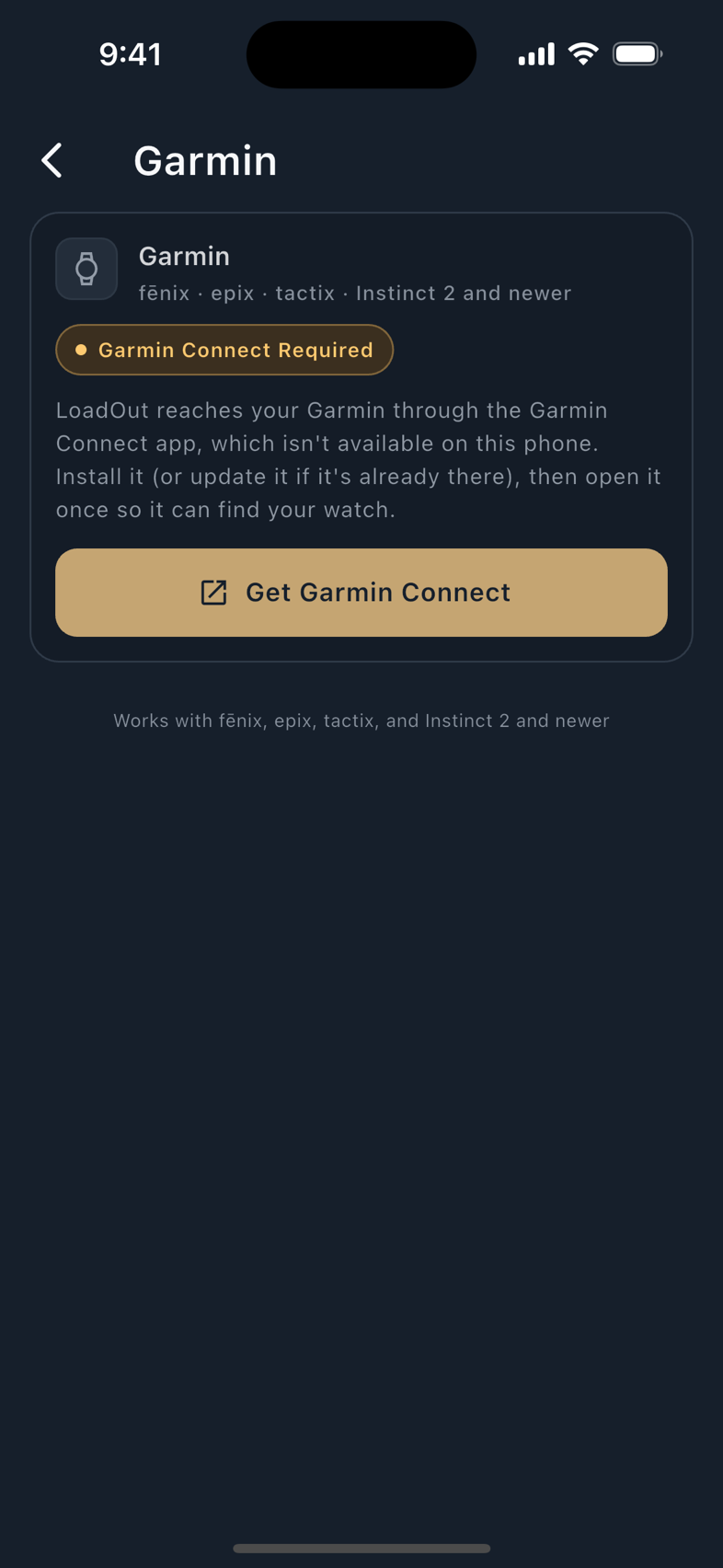
It never reads a solution aloud: Connect IQ ships no text-to-speech, so that is a platform limit rather than unbuilt work, and the watch renders the next target's line instead. 31 Garmin devices are supported, across the fenix 6, fenix 7, fenix 8, epix, Forerunner, Instinct 2 and Instinct 3 families. LoadOut reaches a Garmin through Garmin Connect, and the watch app comes from the Connect IQ store.
Shot capture settings
Set per watch, under a Shot Capture header. The mode comes first: Auto feels for recoil and offers each shot; Manual logs only what you press; Off is no wrist logging at all.
In Auto, sensitivity is a slider scaled in real g. The number you read is what the watch compares each sample against, not a cosmetic scale. Three named detents sit on it, and the marked default is Medium's:
| Detent | Threshold | Suits |
|---|---|---|
| High | 1.0 g | The most sensitive detent. A rimfire that barely moves your arm. |
| Medium | 4.0 g | The marked Default, where the slider starts on a new install. |
| Low | 10.0 g | The least sensitive end. A magnum off a bipod, so the recoil is not counted twice. |
An install that had the old 2.0 g default keeps it. The slider ascends in g, so sensitivity decreases as you drag right. How far down it goes depends on what your watch reports it can honestly detect. LoadOut asks the watch rather than assuming a floor.
Change shot capture on the wrist and the watch reports the change back, so the phone's next push carries your change instead of reverting it. Both ends converge on one value; there is no second source of truth.
Stage timer defaults
Per watch, pushed across as you change them.
Sound and Both are offered only on a watch that has a speaker, and the watch is asked rather than guessed. Until it answers, nothing is withheld; silence is not a denial.
What the watch says
The Apple Watch and Wear OS read the next target out loud after a logged shot. The line is short by design: the distance, the hold, the windage, and whether the round has gone transonic. Where there is no solution it says so. A Wear OS watch without a speaker writes the line on the screen instead.
A Spoken Callout you wrote for a target replaces all of it with your own words, verbatim, even on a row the solver refused.
The destination is set at Settings › Voice & AI › Spoken Output: Watch, Phone, Both or Off. It arrives set to Watch, so if you do not wear one you hear nothing until you move it. Your ear pro decides this: a readout sent to the device you are not listening through is silence you cannot tell from a fault.
Free The readout and the voices are free. Garmin shows the line instead of speaking it.
Your data on the wrist
No watch app makes a network call. There is no Firebase, no analytics and no crash SDK in any of the three; everything travels over the platform's own encrypted phone-to-watch link, and Pro is checked on the phone.
What a watch does hold is real: queued shots, the solved holds it was sent, a Target Card with its name and rows, the tally, and (on the two platform watches) a small assistant document. On Wear OS it also holds the load name and stage par its tile and watch face show, and a watch showing the Stats page holds the Pro Shooter Stats look-back behind it.
Erasing your data on the phone tells every paired watch to discard all of it. That request is best effort, and worth understanding as such: a watch that is off, out of range or unpaired cannot be told, and the link carries no acknowledgement back. A watch that hears the message discards everything unrecorded; one that never hears it keeps what it holds until it next connects, and if it then delivers shots fired before the erasure, the phone refuses them rather than resurrecting data you were told was gone. Turning the assistant setting off erases the held document too, so there are three routes to the same removal: the withdrawal your phone sends, that setting going off, and the erase itself.