Chapters
On this page
Match Day is two things joined: a registry of matches you could have shot, and a scorebook of the ones you did. Picking a match out of the first builds the second for you, with the discipline, the stages, and the right kind of scorecard for each, so scoring a stage is filling in numbers rather than building a form first.
Matches and Scorebook
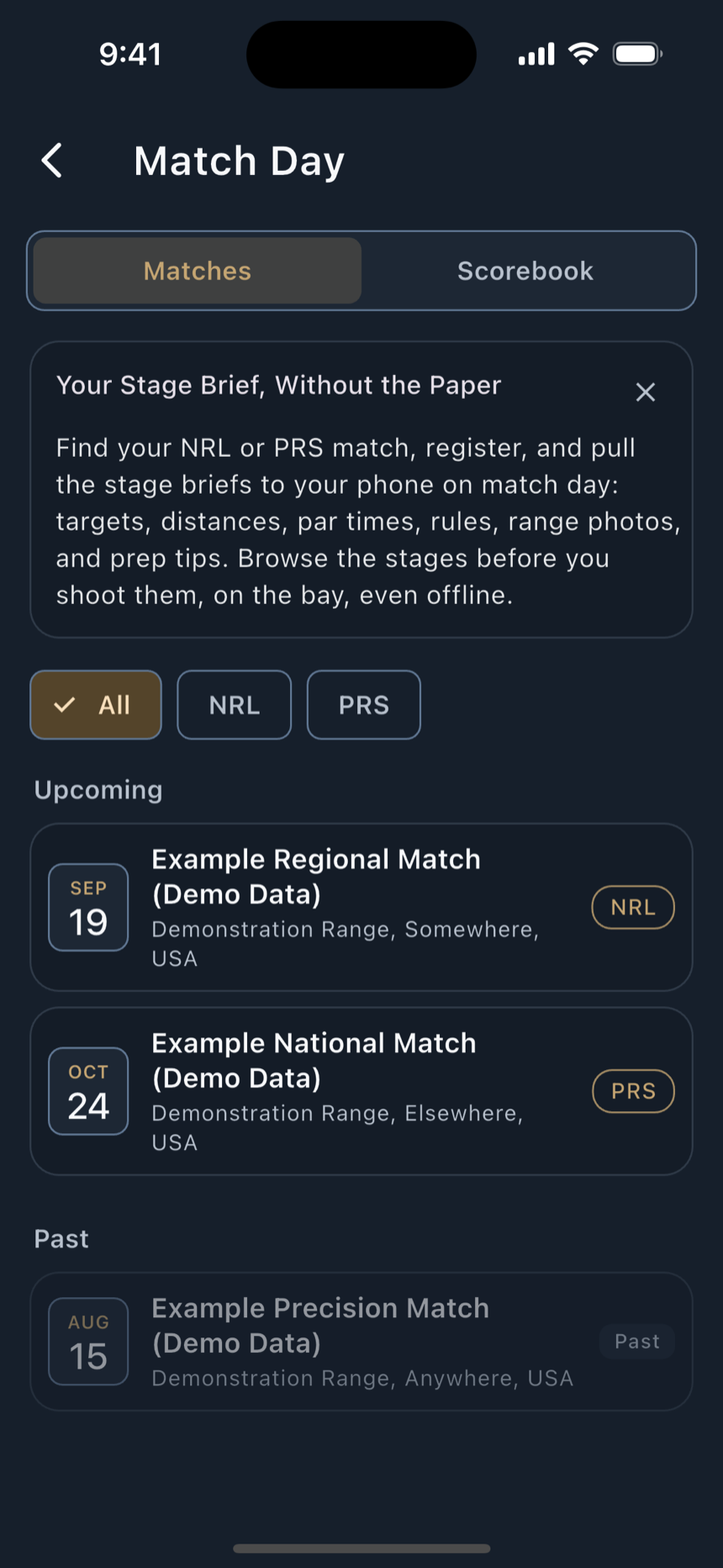
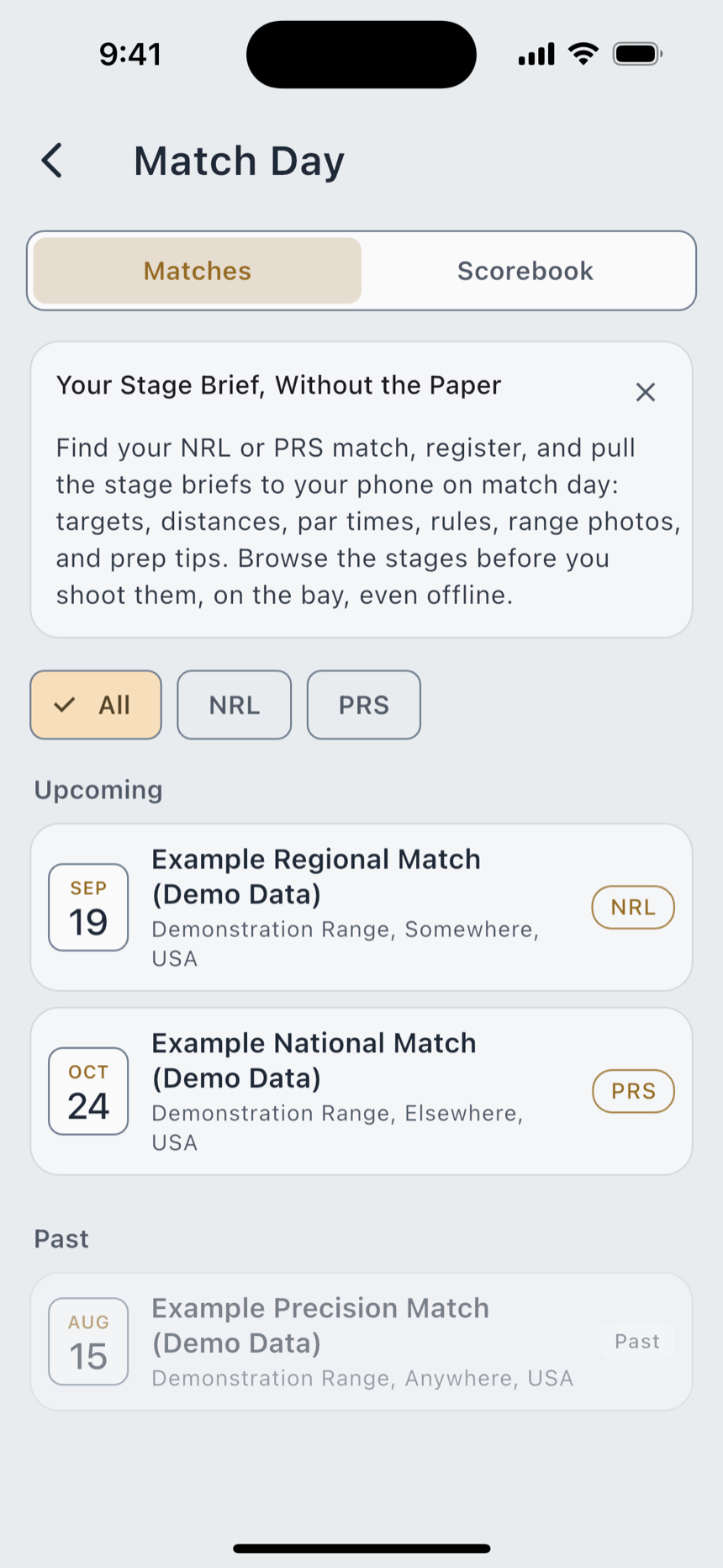
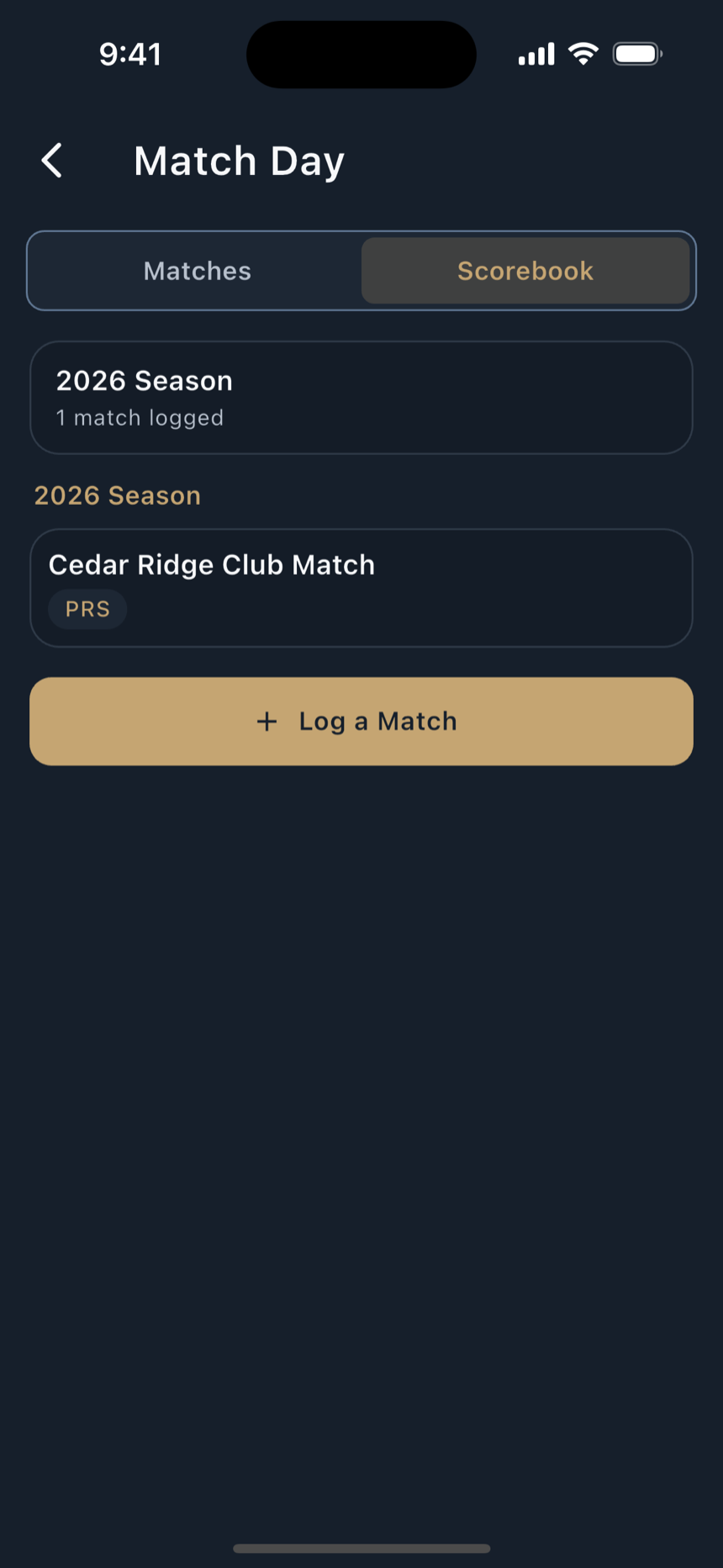
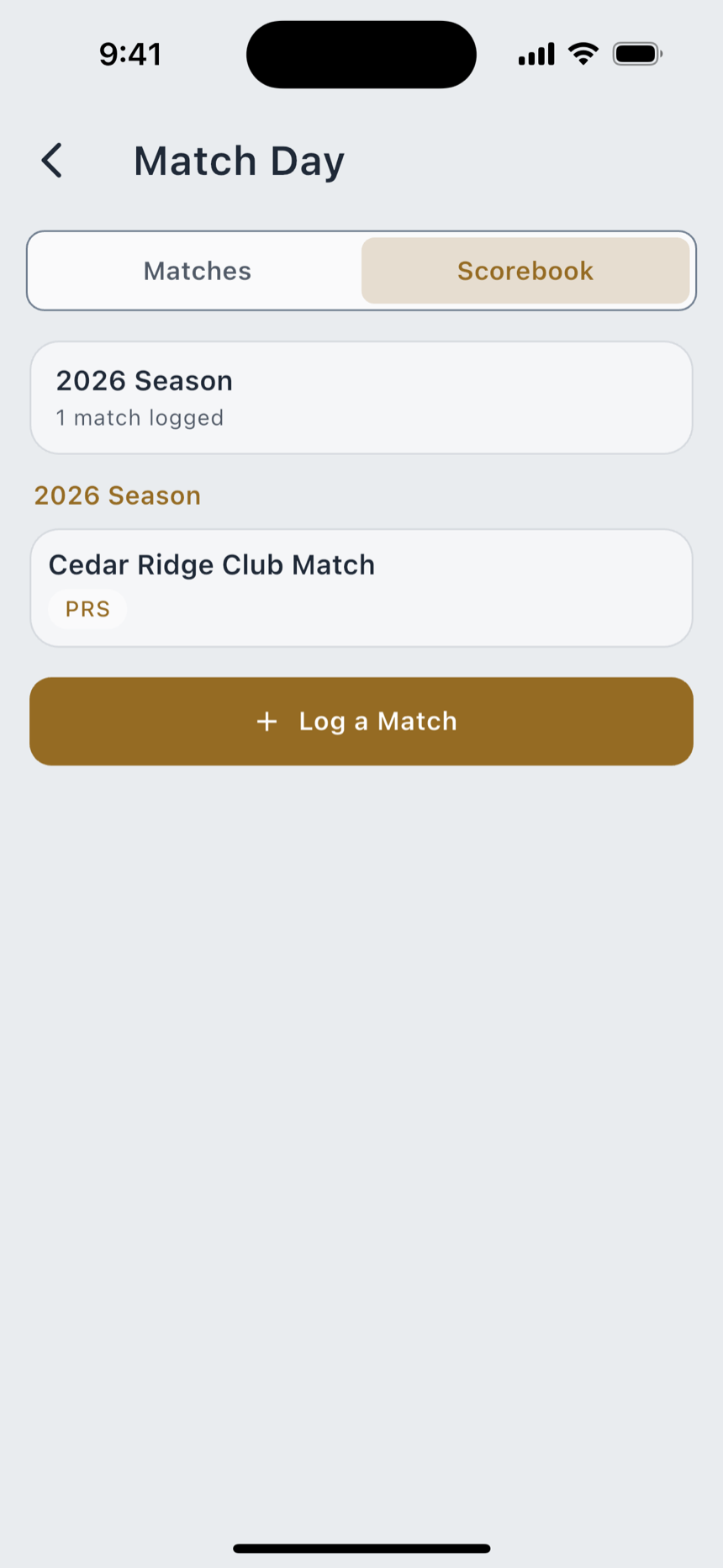
Match Day opens from the side menu, at Menu › Match Day, with two segments across the top. It opens on Matches.
Free Match Day is free in full: the registry, the scorebook, every scorecard shape, the stage briefs and the stage DOPE.
Logging a match
Log a Match on the Scorebook opens a picker of matches you could have shot. It is deliberately past-oriented, in two groups:
A match that starts after today is left out, since you cannot have shot it yet, and a match that finished more than about thirty days ago drops off. A row whose date cannot be read is not dropped; it falls into Recent and sorts last, because losing a real match to a date-parsing problem would be worse than showing it in the wrong group.
- Pick a match. The picker pulls that match's discipline and its stages into a new scorebook entry, and opens the entry. You do not retype any of it. Pick a match you have already started and it resumes that entry rather than forking a second one.
- Or add a club match yourself. Add a Club Match Manually opens Add a Match: For a club match that isn't in the registry. You set the discipline, and it still drives the Scorecard type.
- Name it. Match Name is the only required field. Leave it blank and it says Enter a match name.
- Set the discipline. The Discipline picker's helper says what it is for: Drives the Scorecard type. Thirteen ship, across three families. PRS, NRL, NRL22, F-Class, Benchrest, Rimfire and King of 2 Miles are precision; USPSA, IDPA, 2-Gun, 3-Gun and Steel Challenge are action; USCCA is defensive.
- Add your stages. Stage names are optional. The hint reads Stage 2 name (optional), and a blank row simply reads as Stage 2. Add Stage 3 adds another; each has a remove control.
- Save Match. The note above the button says what happens: A Scorecard is created for every stage, in this match's discipline.
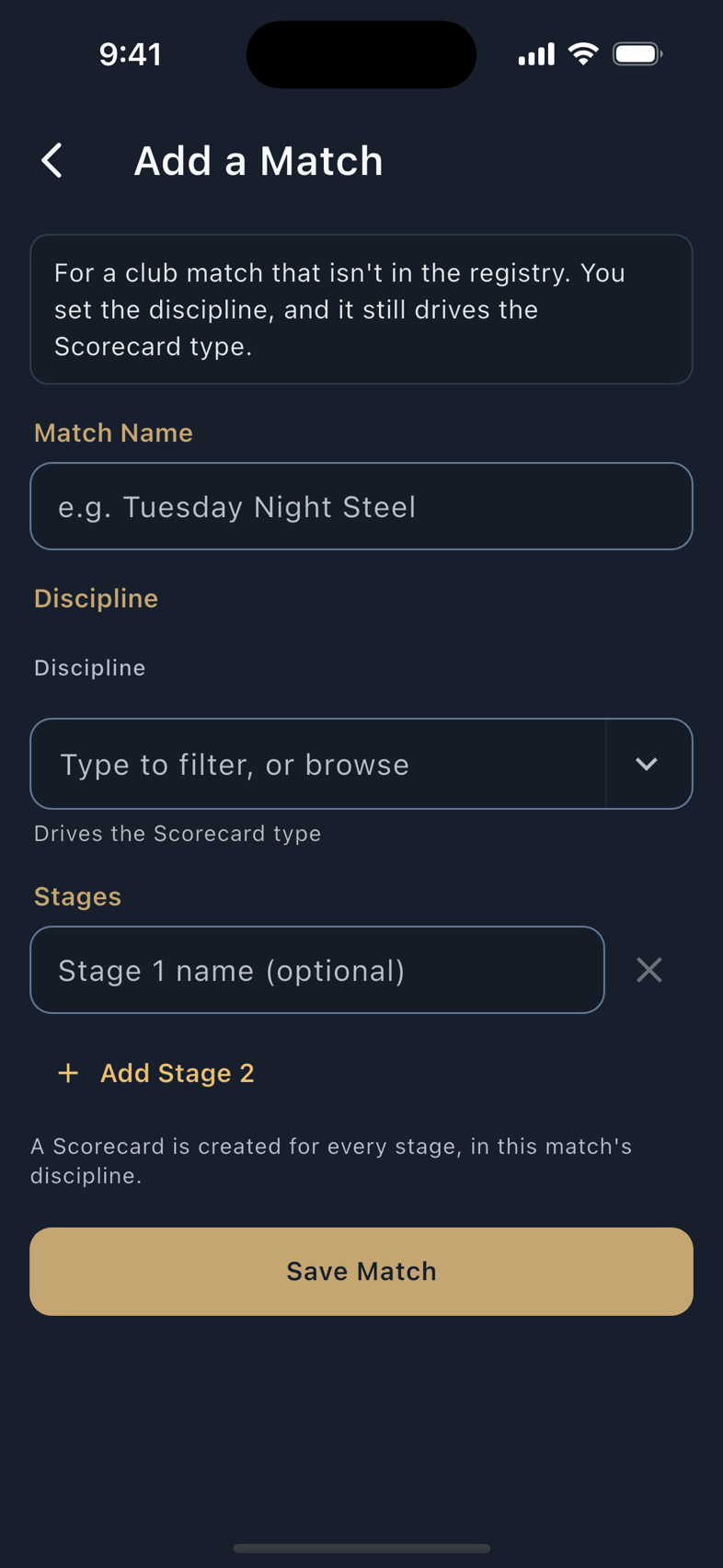
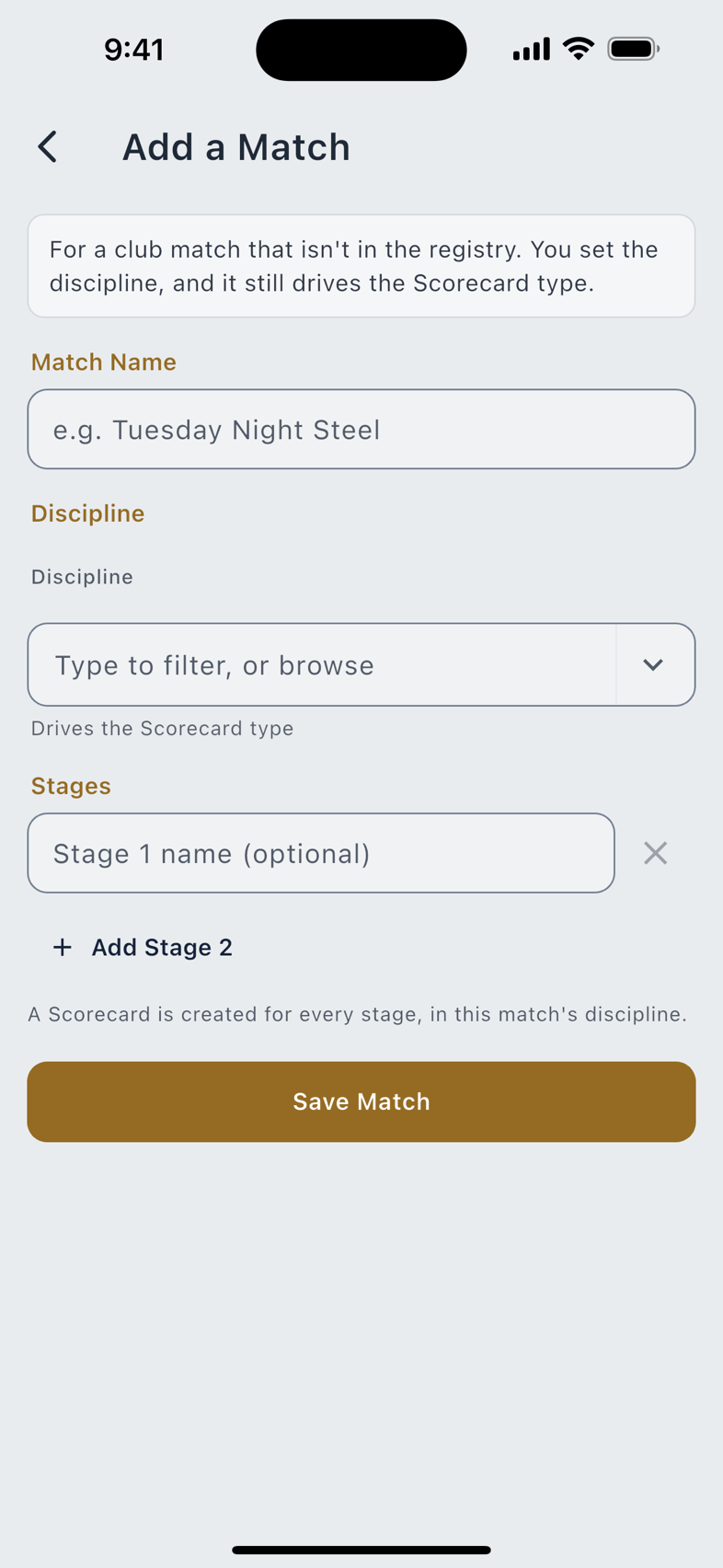
After it is saved, a club match you added behaves exactly like one pulled from the registry. There is no second-class entry.
Scoring a stage
One card per stage. Fill them in at the line or from the truck afterwards; the card does not care when.
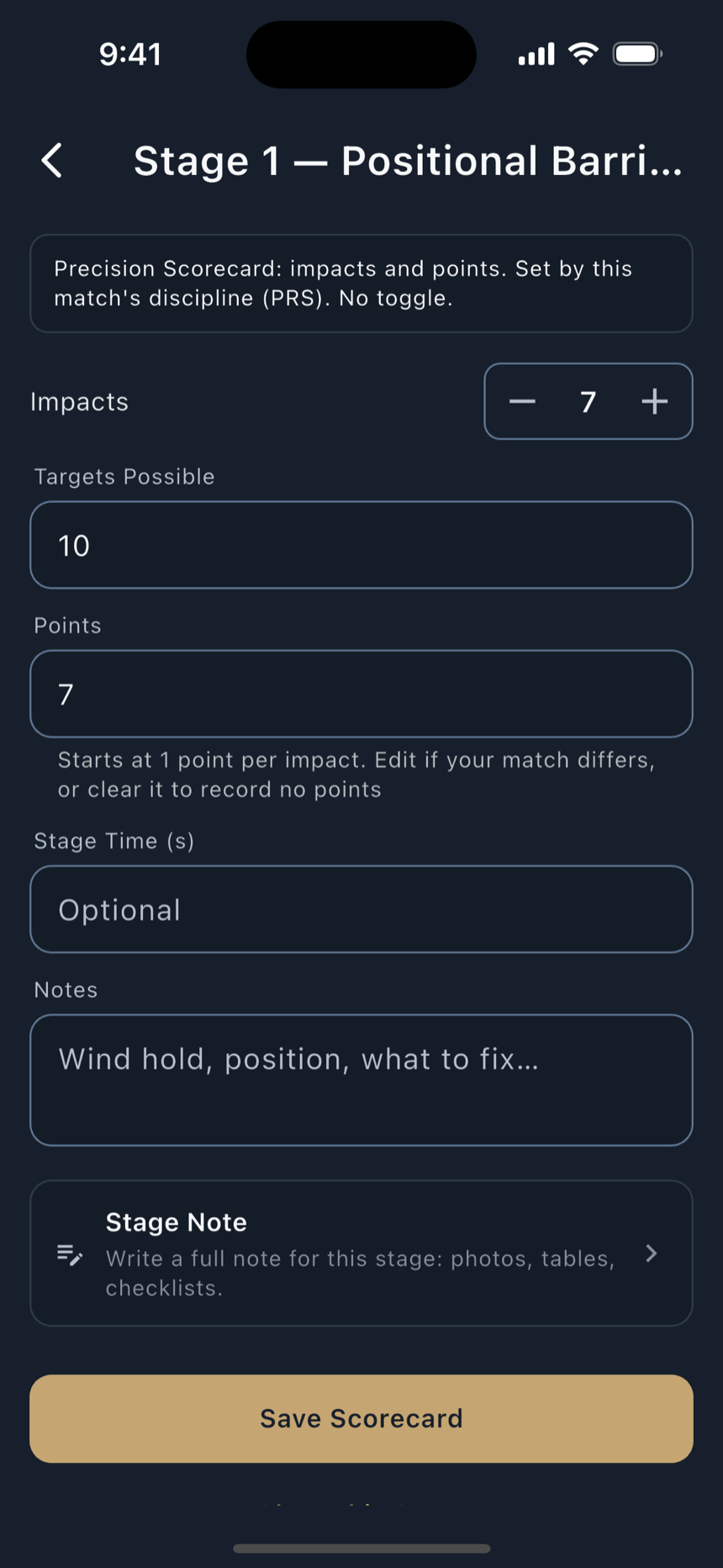
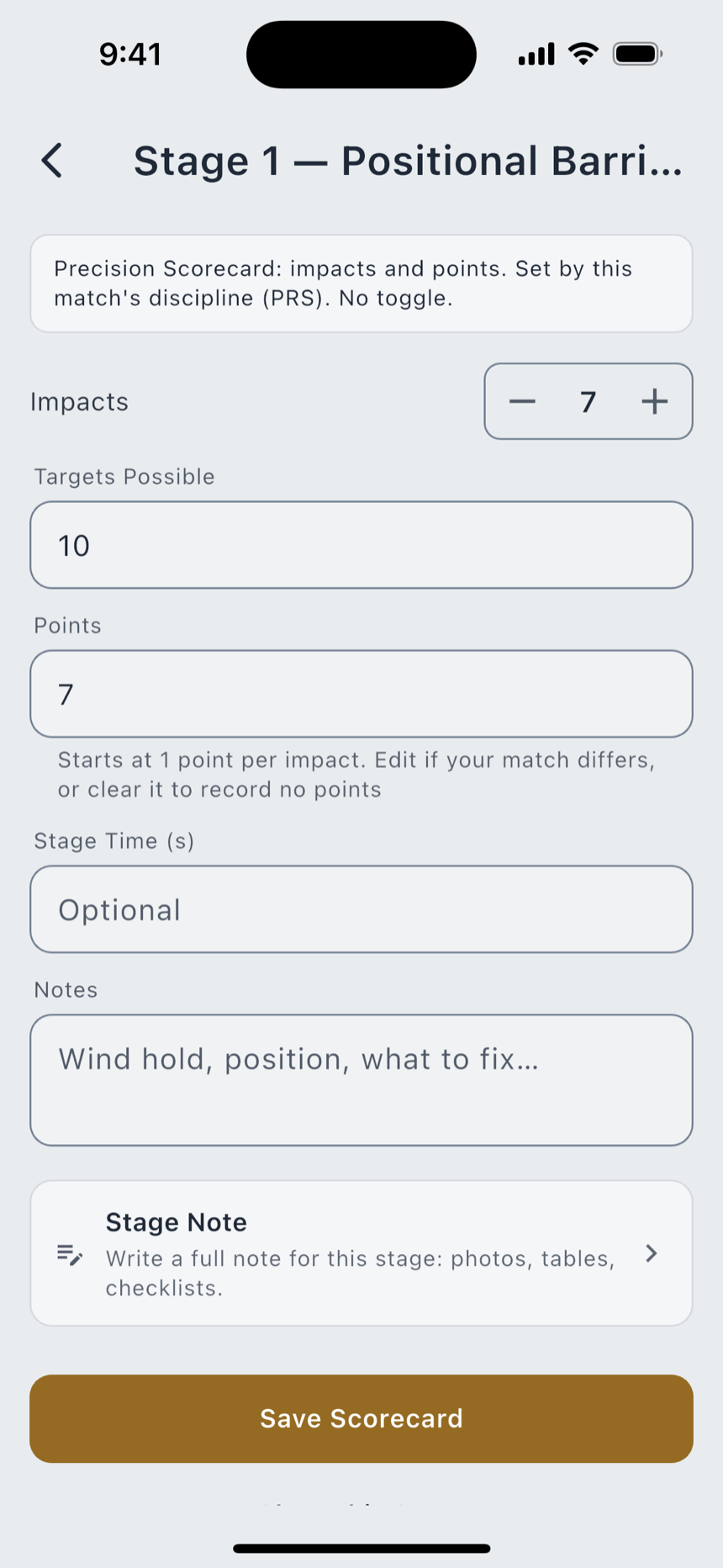
The card type is set by the discipline, and there is no toggle. The note on every card says so: PRS Scorecard: impacts and points. Set by this match's discipline. No toggle. The card follows the sport on purpose, so you are not hunting for a control that would let you score a PRS stage as if it were a USPSA stage. It follows the discipline rather than the family, which is why the five action disciplines do not all get the same card: only USPSA is scored on hit factor.
| Disciplines | Shape | What you fill in |
|---|---|---|
| The seven precision disciplines | impacts and points | Impacts, Targets Possible, and Points. |
| USPSA | time and hit factor | Hit zones by value (A Hits · 5 pts, C Hits, D Hits, at major or minor), Misses · −10, Penalties · −10, and the time. Hit Factor is computed as points ÷ time. |
| IDPA and USCCA | time plus points down | The time, Points Down · +1 s, Penalties · +3 s at a fixed three seconds apiece, and a Total Time where lower is better. |
| 2-Gun and 3-Gun | time plus penalties | The time and Penalties, at a Seconds per Penalty value you set per stage because multi-gun briefs vary. No points down. |
| Steel Challenge | time plus misses | Strings, five of them, or four for Outer Limits, with misses counted against them. No points down. |
On a precision card the plus button counts impacts, and Points follows at one apiece; its helper reads Starts at 1 point per impact. Edit if your match differs, or clear it to record no points. Edit it where your match scores differently, or clear it entirely. A cleared field records nothing; it does not record a zero.
An unscored stage stays visibly unscored. A number on a card always means a number you actually wrote down, so a blank is a blank and never a quietly-supplied zero. Clear This Stage puts a card back to that state.
Marking hits on a registry match asks first, with Start Scoring This Match?, and says what the answer does: Marking hits adds this match to your Scorebook so the score is kept with your other matches.
Match setup and conditions
Match Setup sits on the match screen and is where a match gets its firing solution: Enter your bullet, rifle, and conditions once. Each stage reads its DOPE from this. Pick a saved ballistic profile, or build a Quick Profile from a load: a handload of yours, or published factory data, with the muzzle velocity yours to adjust.
The status line under it says exactly where you stand: Pick or create a ballistic profile to see each stage's DOPE, or Not set. Stages won't show DOPE yet, or Set. Open a stage to see its DOPE.
Conditions are optional
The environment block is labelled for it: Optional. Leave blank to use the ICAO standard atmosphere. Leave it blank and the setup screen states the consequence rather than burying it:
No conditions entered. ICAO standard atmosphere will be used.
Each stage then carries the same fact where you read the holds: Using ICAO Standard Atmosphere. Enter conditions in Match Setup for a tuned solution. You are never shown a hold without being told which day it was computed for.
Wind is entered as a speed plus a clock position (12 head · 3 right · 6 tail · 9 left) and the two travel together. Enter a speed with no direction and the screen refuses and says why: Enter Wind From in Environment & Wind (12 head, 3 right, 6 tail, 9 left), or clear the wind speed. We never assume a direction.
What a stage tells you
A stage brief carries its Course of Fire, Start Position, Rules, Prep Tips, any Range Photos, and a Firing Order: the targets in the order you engage them, repeats shown as separate engagements. With a profile set, each row carries its hold, under a Holds for heading naming the profile they came from.
Two advisories ride individual rows, and they are different claims:
Where a stage has no firing solution to give, it says which kind of nothing it is: No DOPE for close-range action. The brief carries procedure and scoring, not a firing solution, or No DOPE. Defensive scoring is time-plus, not a drop solution, or No solution at this range. Distances carry the match's own tolerance line: Distances are the match's stated yardage, ±N%. Confirm before you fire.
Stage plans
A stage plan is your own words for what you are going to do on a stage: the order, the positions, the round counts, the things you will forget under a timer. On an action or defensive stage with a firing order, the stage brief carries a Plan This Stage section, and Create there starts the plan from that firing order: one item per target, with the callouts left for you to add.
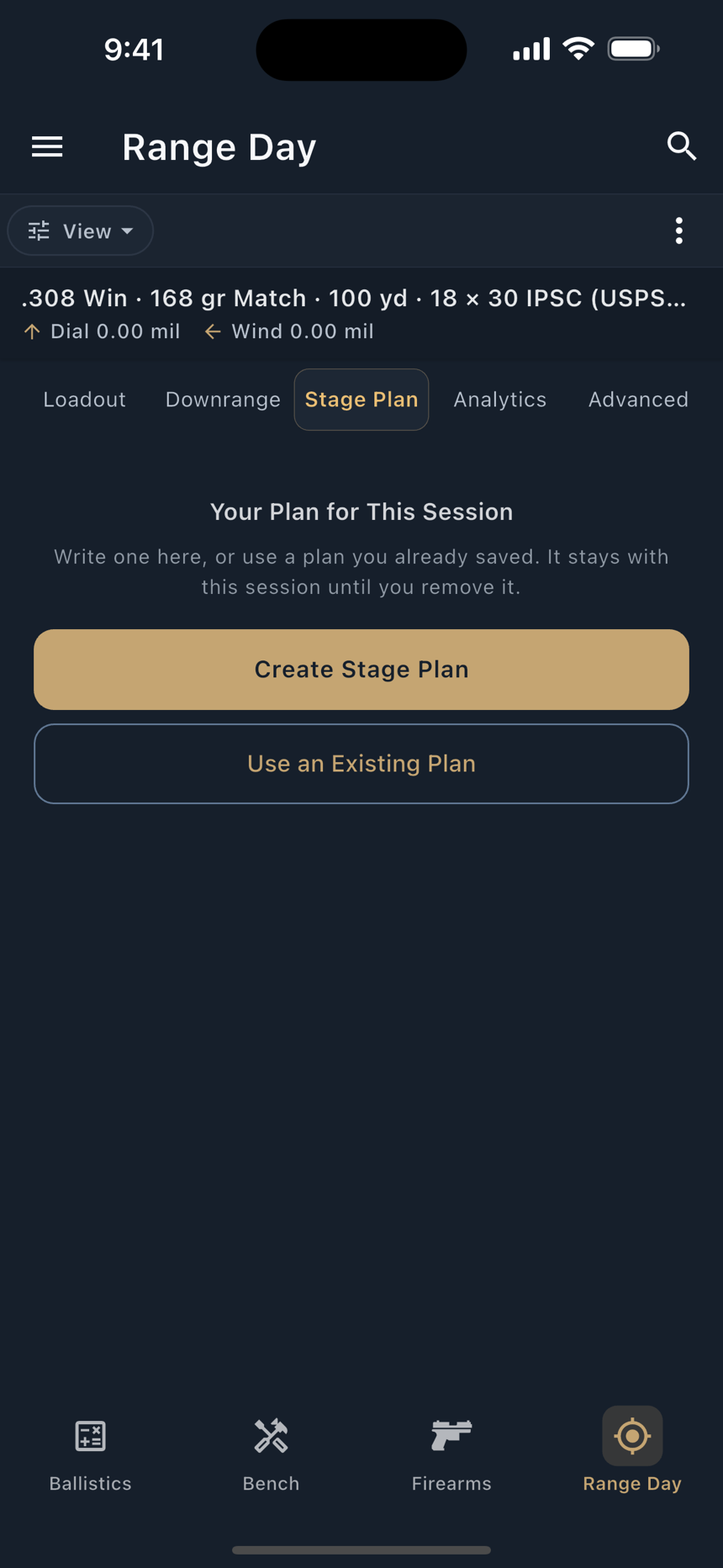
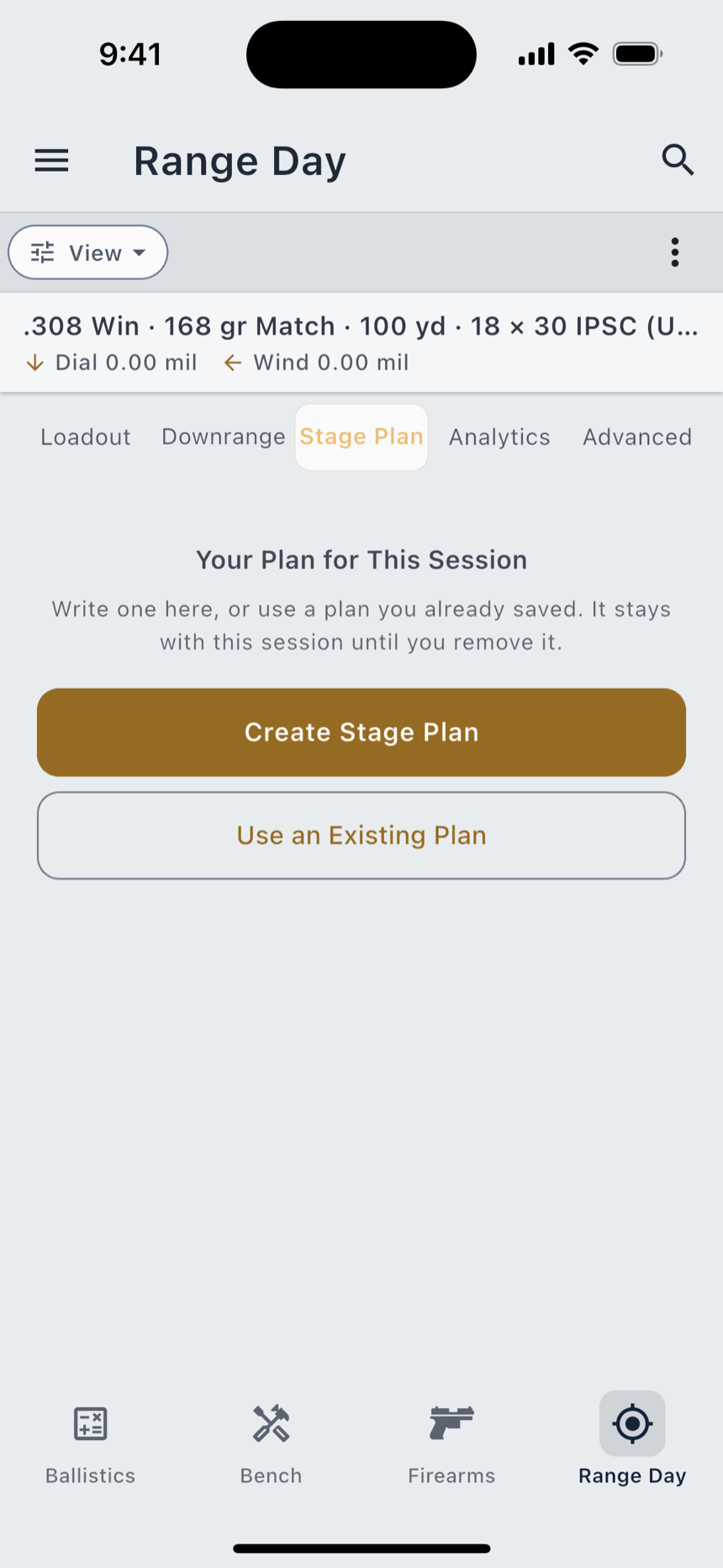
Range Day carries a permanent Stage Plan tab of its own, and it is exactly two states. With no plan attached it reads Your Plan for This Session, over the line Write one here, or use a plan you already saved. It stays with this session until you remove it, and two doors, Create Stage Plan and Use an Existing Plan. With a plan attached it shows that plan, and up to five verbs appear in the ⋮ menu: Change Plan, Clear Stage Plan and Rename Plan always, plus Read My Plan and Send to Watch once the plan actually has items, since there is nothing to speak or push until then.
A plan is attached by pointer, never copied. Clear Stage Plan detaches it from the session and leaves the plan itself alone, so clearing one session never empties a plan another session is running.
The Sample that ships on first launch includes a worked example, Club Match · Stage Plan, so you can see the shape of one before you write your own. It carries a Sample badge until you edit it.
Competition Mode on the wrist
Under a timer you have one hand, and it is on the rifle. Competition Mode is one ignition that arms the whole stage at once, and one End that stands it all down.
What arming does, in one action:
- starts the stage timer, with both start delays;
- turns on shot auto-capture, so the watch logs shots off recoil;
- turns on the spoken readout, so the next target's firing solution is read to you after every shot.
On the Apple Watch you can arm it two ways: by asking Siri on the wrist, and on an Ultra with the Action button. On a Wear OS watch the way in is its own Start Competition Mode control. Ending it is a single control on either watch, and a quiet-window rule stands it down on its own if a stage runs past its bounds.
Garmin cannot run it. Connect IQ ships no speech API at all, so a Garmin watch could never arm the third of those three subsystems, and arming two of three while calling it Competition Mode would be telling you the stage was set up in a way it was not. A Garmin renders the next target's solution on screen instead of speaking it.
The page-by-page detail for each watch (what it shows, how it logs, and what it will and will not say out loud) is in Companion Watches.
A stage's firing order can be sent to a watch, and a very large one is refused rather than truncated: This firing order is too large to send to a watch (over {size}). Send a shorter stage, or split it. A half-sent stage would be worse than none, because you would not know which half you were reading.