Chapters
On this page
Reloaders are careful about what they write down and who sees it. This chapter says where your records actually live, the short list of things that go anywhere else, what your watch is holding on your wrist, and what each of the two erase buttons really does. The Privacy Reference covers the same ground as a table, connection by connection.
The promise
Your reloading data lives on your device. We run no server that stores your recipes, firearms, or range-day sessions. We don't track what you do in the app, and there is no analytics SDK in it. The features that send anything of yours are opt-in, each behind its own switch: Cloud Backup and Cloud Sync, AI Smart Import, Siri Voice Commands, and the weather pull. Send to E-Reader sends a card only when you tap Send, and only to your own e-reader. Several connections do run without a switch, and none of them carries your records: an anonymous sign-in identity, an app-integrity check, read-only catalog and wording updates, and crash reports, which are the one switch that starts on and turn off under Privacy & Data.
That paragraph is deliberately narrower than the one you might expect. LoadOut will not tell you that nothing leaves your device, because that sentence is not true of any app on a modern phone and we would rather be exact than reassuring. Siri is Apple's, and works under Apple's terms. Spoken output is handed to the platform's own speech engine, and which voices it synthesizes locally is the platform's business. Your cloud passphrase is escrowed to your own Apple or Google account so your other devices can open the copy without you retyping it. Each of those is out of our hands, so a blanket claim about your device would be one we cannot back.
What we can back, and do, is the sentence above: no LoadOut server ever receives your reloading data, because we do not operate one that could. The only cloud copy of your records is one you choose to make, encrypted on your device with a passphrase we never see.
What stays on your device
Nearly everything, and the interesting part is the list of things that are less obviously data than a recipe is.
- The database. Every recipe, firearm, batch, brass log, inventory row, profile, target card, range-day session, match, note and equipment record sits in one file inside the app's own storage, or the browser's storage on the web app. It never travels, and it is exactly what the free JSON export writes out: your data is yours to take.
- The search index. If you turn on Search by Meaning, LoadOut builds a mathematical index of your own recipes, firearms and notes so it can find them by what they mean rather than by spelling. That index is a form of your text, so it is treated as your data: it is built on the device, kept in the app's cache, and erased by either of the erase operations below.
- Drafts and captured photos. A half-finished import keeps its photos so you can still see where each number came from. Photos of a chronograph screen are kept for 90 days as the evidence behind a reading, then removed. Your numbers stay either way. Photos you attach to a rifle, load, tool or lot stay on the device too. None of these is ever part of an export or a cloud copy.
- Siri's summary. With Siri Voice Commands on, LoadOut publishes a small summary (your firearms' names, your solved holds, your display units, and any words you taught it) into a private container that belongs to the app itself, so a spoken question can be answered with no engine running. Turning the setting off does not merely stop updating it; it erases what is there.
What leaves, and when
The complete list is short enough to read in one sitting.
| What | When, and what it carries |
|---|---|
| Signing in | Only when you tap Sign In. Google, Apple or Microsoft handles it and LoadOut receives your email address and the sign-in token; Apple additionally passes your name if you let it. No reloading data is involved. |
| A crash report | After an unhandled error, uploaded on the next launch. On by default, and switchable off under Settings › Privacy & Data. It never carries anything you typed. |
| Live Weather Pull and Automatic Altitude Pro | Only on the tap. Your coordinates go to a public weather service so it can return the conditions where you are standing. No identity travels with them. |
| AI Smart Import Pro | Only when you tap it, and it asks every time. It sends one of two payloads: the text recognised from a page you just photographed, or, on a chronograph import that could not be read, the cropped picture of the chronograph screen, not the whole photograph, together with one line summarising what that import has read so far, which can include values off the other screens you added. Two things travel on that second route and the app names both before it sends. Never your recipes, firearms or notes. |
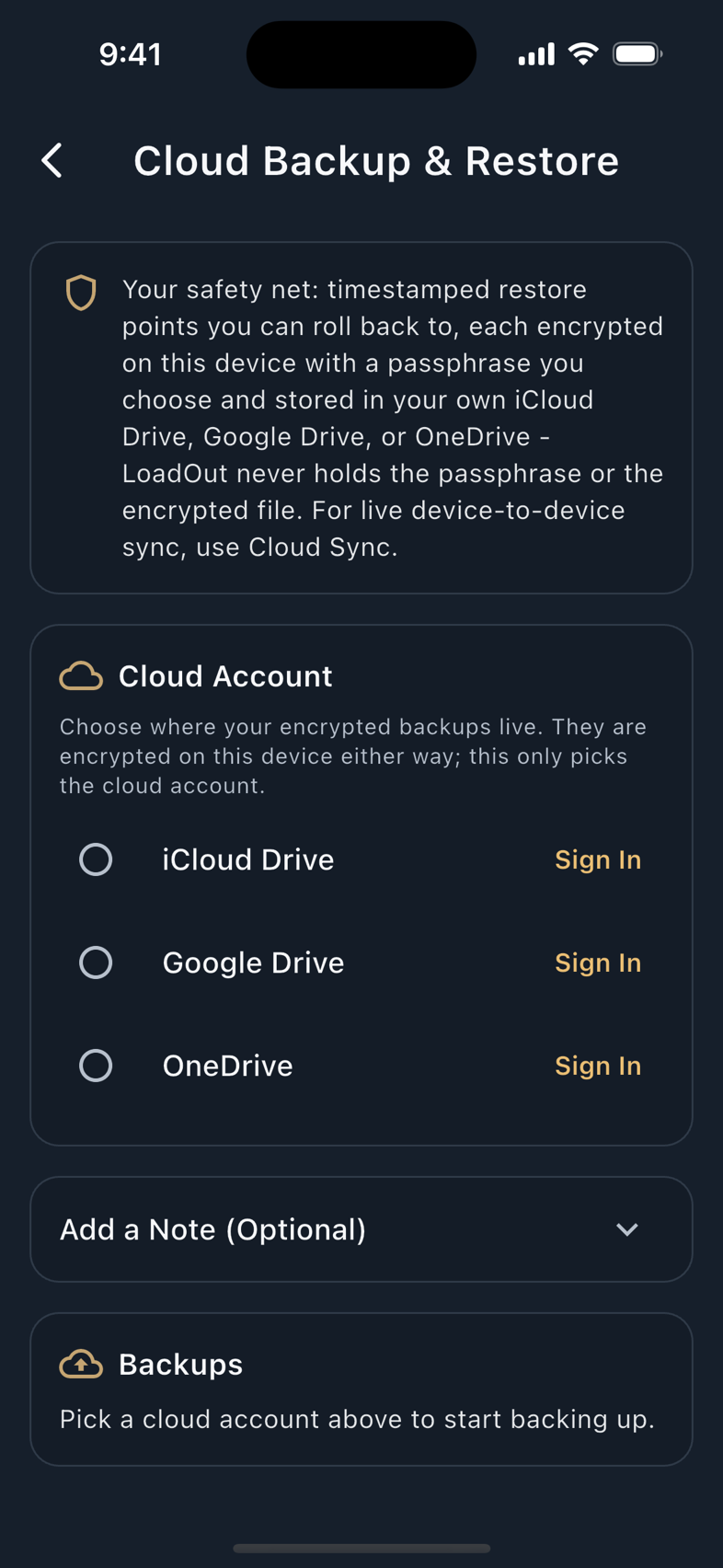
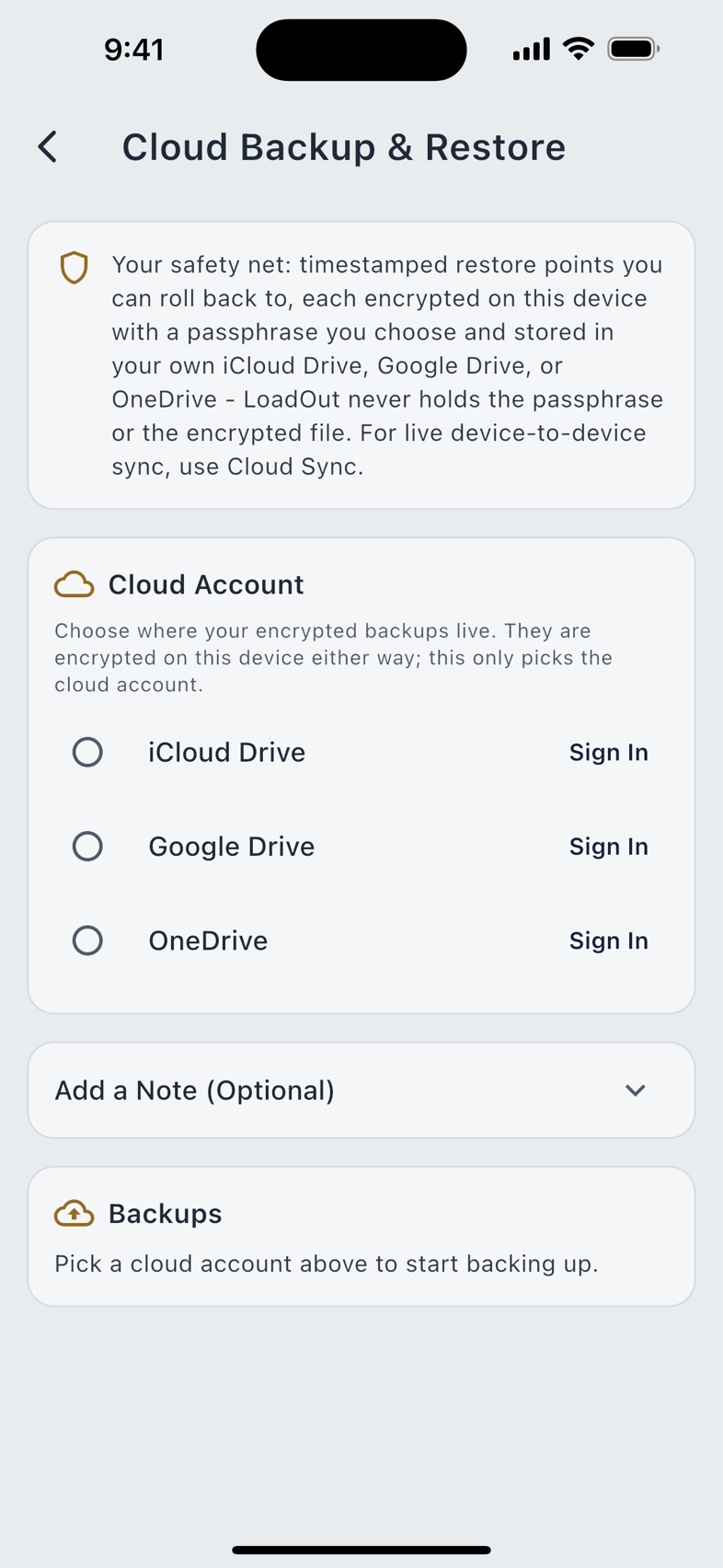
| Cloud Backup and Cloud Sync Pro | Only once you turn them on. Your data is encrypted on the device first, then written to your own iCloud Drive, Google Drive or OneDrive. |
| Siri Voice Commands | Only once you turn them on, and only on iPhone, iPad and Apple Watch. Your spoken request and the spoken answer are handled by Apple's assistant under Apple's terms. |
| Spoken Output | When the app reads something aloud. The sentence goes to the device's own speech engine and is then dropped; nothing is stored and no LoadOut server is in that path. |
| Send to E-Reader | Only when you tap Send with Wi-Fi picked. On an iPhone, iOS asks once, at the first send. The picture of the card you see, with any note on it, goes straight from your phone to your own e-reader, over your Wi-Fi or the e-reader's own hotspot. It is not encrypted, and the e-reader does not check who sends it, so anyone else on that network at that moment could see it or change it. For a photo frame you locked with a password, that password goes to the frame the same way, and only when the frame asks for it. No LoadOut server is involved. The card stays on the e-reader until you delete it there, and neither erase operation below can reach it. Share Page and Share Picture make no connection of their own: they go wherever you send them from the share sheet, and Share Picture carries your note. |
Beyond those, the app does ordinary housekeeping: an anonymous identity on first launch so a purchase has something to attach to, an integrity check, a store receipt when you buy or restore, read-only catalog downloads, and a background fetch of published wording corrections for the languages the app already ships. None of them is behind a switch, and none of them carries a record of yours. The Privacy Reference lists each with what it carries. There is no product analytics of any kind, no advertising, and no attribution tracking.
Location
LoadOut collects your position, and it stores it. Saying so plainly is better than being caught on it later.
It happens when you use Live Weather Pull or Automatic Altitude, and when you enter a latitude for the Coriolis correction. The coordinates are saved on the thing they were captured for (the range-day session, the atmosphere preset, or the profile) because a saved session is meant to record the conditions you actually shot in. So they appear in your own export and inside your encrypted cloud copy. They go to the weather service at the moment of the pull, and to nothing else.
If you would rather not capture a position at all, do not use the two Pro capture buttons: type the temperature, pressure, humidity and altitude by hand, and leave latitude blank. The solver is happy either way, and nothing is hidden from you for declining.
Recently Deleted
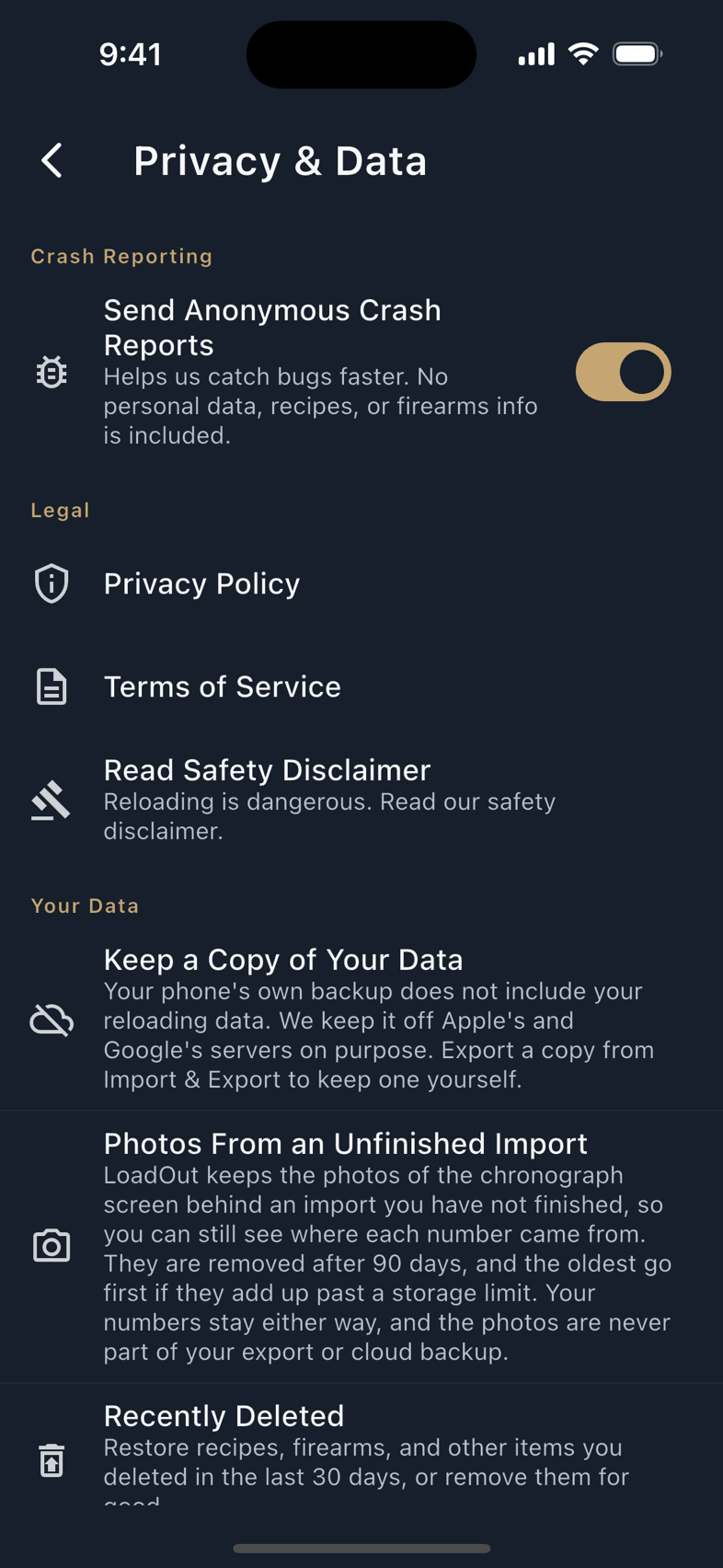
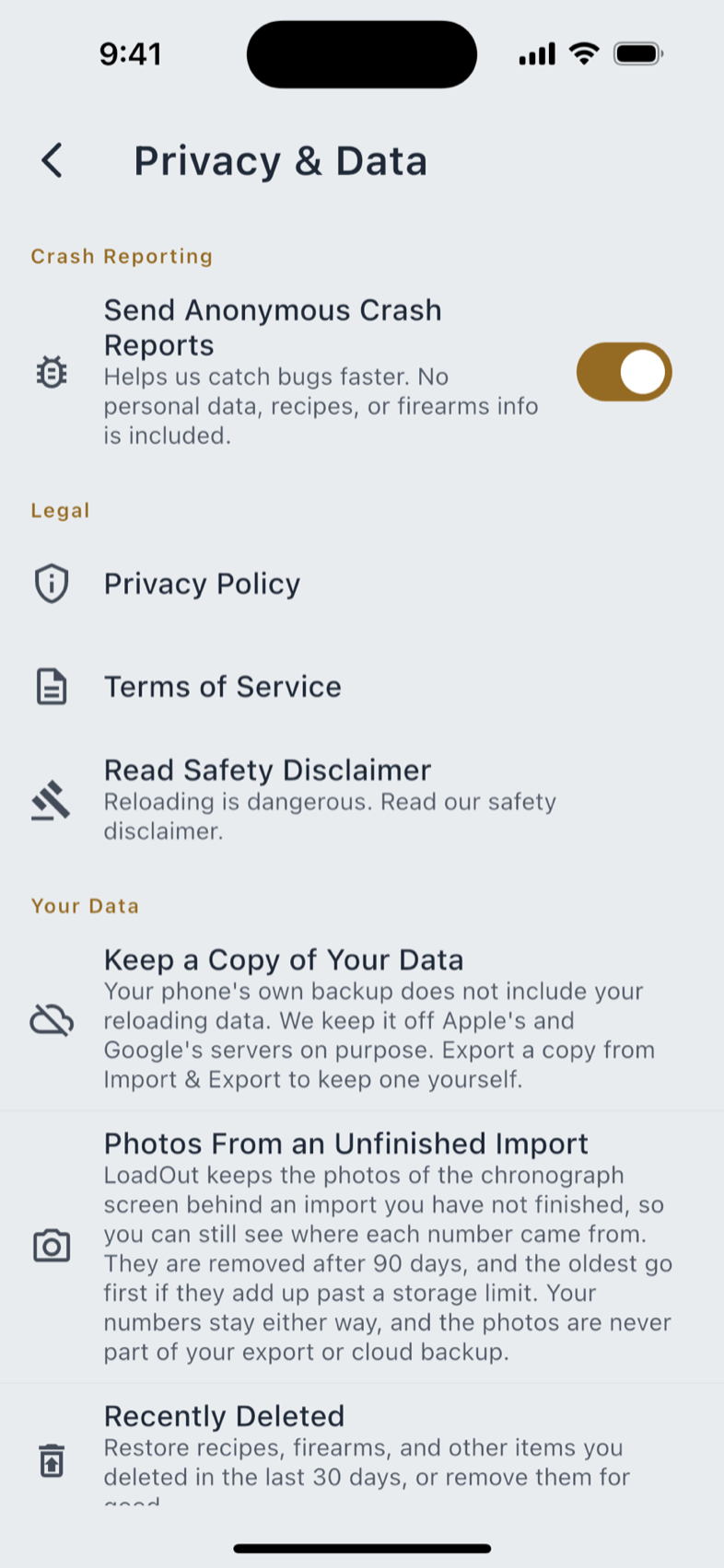
Deleting a record does not destroy it immediately. It moves to Settings › Privacy & Data › Recently Deleted and stays there for 30 days, grouped by kind, each row showing when you deleted it and how long is left.
- Restore puts a record back exactly as it was.
- Delete Permanently removes it for good. The app says what that means before you confirm: it cannot be undone, and it is also removed from your encrypted cloud backup, so it will not come back on another device.
- Anything you leave alone is removed automatically once its 30 days are up.
Two consequences are worth knowing. A deleted firearm or ballistic profile still occupies its free-tier slot while it sits here, because it can still be restored. Deleting it permanently frees the slot immediately. And a deletion travels inside your encrypted cloud copy, so every device you own agrees that it happened; it never appears in the plain JSON export, so the file you keep contains only records that exist.
Erasing everything
There are two erase operations at the bottom of Privacy & Data, and they are not two strengths of the same thing. One is recoverable and keeps your account; the other is final and takes the account with it.
Reset This Device
Clear this device's data and stored credentials, then start fresh. Your cloud backup and account stay, so you can restore later.
It clears your loads, firearms, profiles, batches, brass logs, range-day sessions and the rest from this device, and removes credentials stored here such as a saved AI key or a cloud-connection token. It deliberately keeps your cloud passphrases, so a restore still works afterwards. Your account stays active and your encrypted cloud copies are untouched.
Use it when you are handing a device on, or when you would rather rebuild from your cloud copy than fight something local. You tick an acknowledgement, and the app confirms with This device has been reset.
Delete My Account & All Data
This one is irreversible, and the app makes you type DELETE to confirm. The order it works in is the important part, because it is what makes a failure safe.
- You sign in again first. Nothing is destroyed until that succeeds. If it does not finish, the app tells you nothing was deleted and you can try again.
- Your account is deleted at the authentication service.
- Your encrypted cloud copies are deleted from every provider LoadOut can still reach. A provider you had already disconnected, or whose access you revoked, keeps its copy. The app says so rather than pretending otherwise, and you delete that one yourself.
- Your purchase identity on this device is released, so the subscription is no longer tied to the account being removed.
- Everything on this device is wiped: records, preferences, consents, saved passphrases, API keys and credentials.
One thing survives on purpose: a single timestamp recording that an erasure happened, and nothing at all about what was removed. It exists so a shot a watch delivers late, fired before you erased, is refused instead of quietly re-creating data you deleted. It expires after 90 days. If you signed in with Apple, your Apple ID keeps its own connection to LoadOut until you remove it in your Apple ID settings; the app tells you where.
Your watches
A paired watch is a second device holding a copy of some of your data: the shots it has logged and not yet handed over, the last solved card and holds it was sent, and, on the platform watches, the small summary a wrist question is answered from. None of it ever leaves that watch except to your own phone.
When you run either erase operation, the phone tells every paired watch to discard what it holds. A watch that is switched off, out of range, or unpaired does not hear that message, and it keeps its copy until it next connects. That is the honest position and it should not be rounded up to "erased": the phone gets no acknowledgement back, so it never learns whether any watch received the instruction. What is closed is the other half of the risk: for 90 days after an erasure, the phone refuses shots a watch delivers that were fired before it, so an out-of-range watch reconnecting later cannot silently put rounds back into a record you deleted.
Crash reports
Send Anonymous Crash Reports is on by default, and it is the one switch in this chapter that starts on. It is a deliberate trade: turn it off under Privacy & Data and the app sends no crash data at all. The housekeeping connections in the previous section still run; they are not part of this switch.
A report carries the stack trace, the name of the screen you were on, the app and database version, the platform and OS version, whether you were signed in, and the numeric ids of the rows involved. It never carries the contents of a row, anything you typed (no recipe names, firearm names or notes), your email address, or your account identifier. Non-fatal errors ride the same channel, so a screen that recovered still tells us it happened. When one fails visibly, the recovery panel offers Tell Us What Happened; that box appears only when reporting is on, and only what you type in it is sent.
Keep a copy of your data
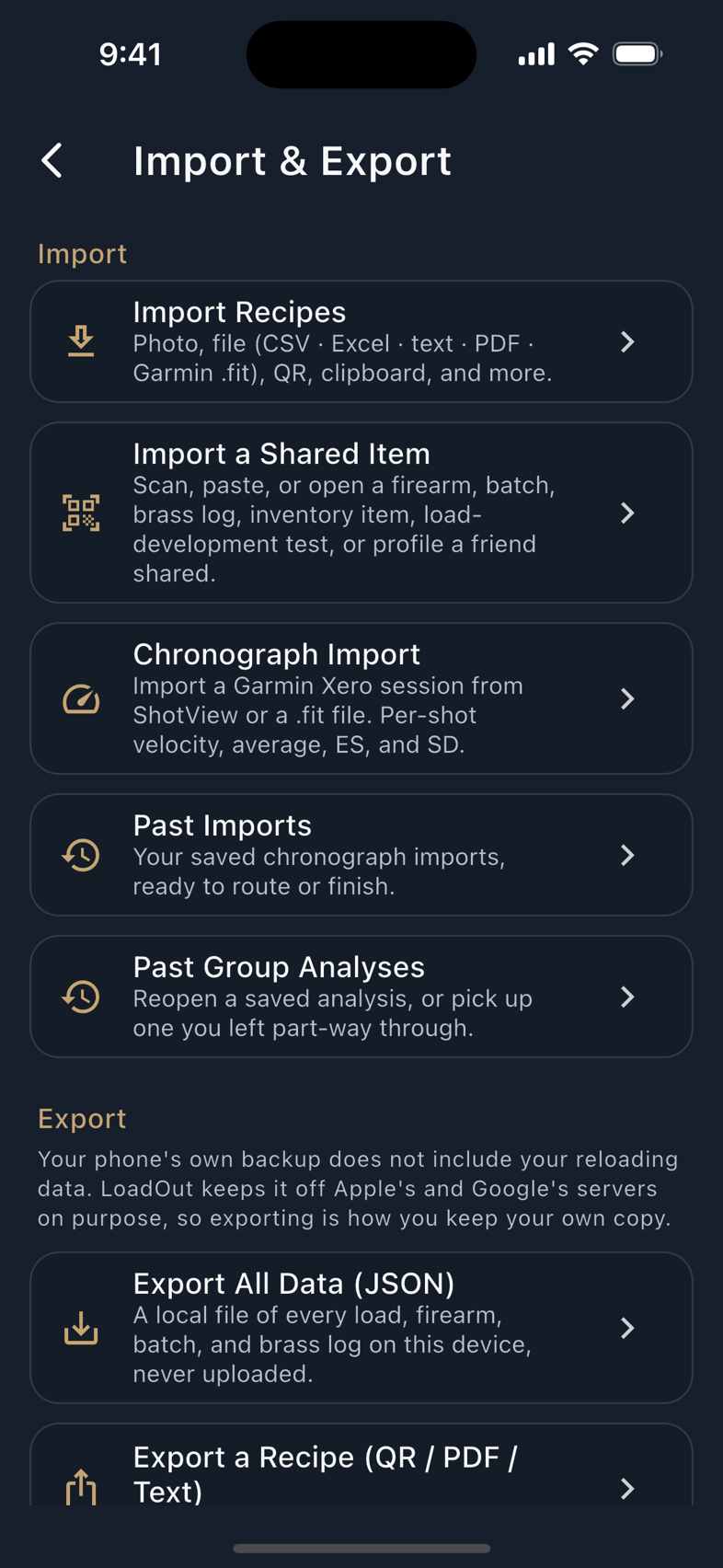
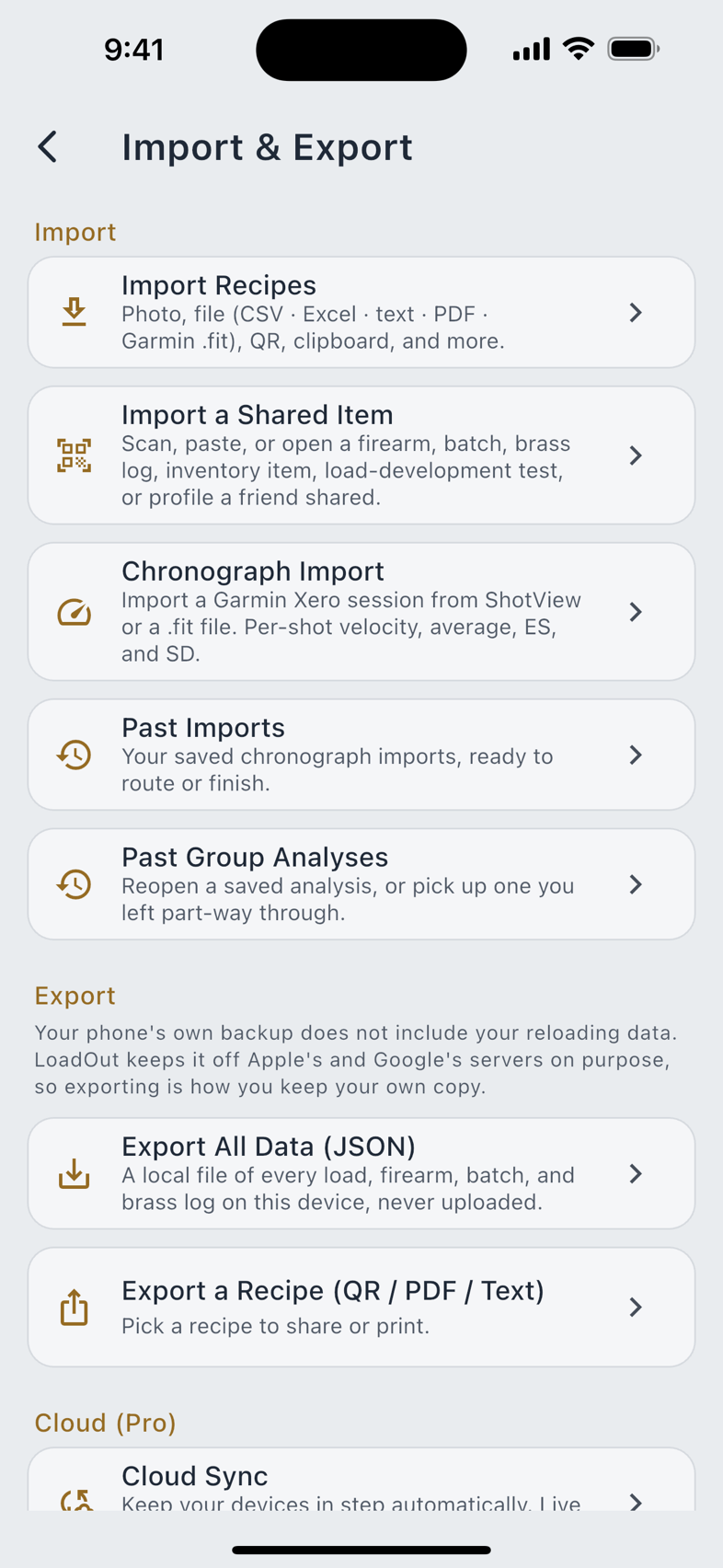
This is the part people are most often surprised by, so the app states it on the Privacy & Data screen itself: your phone's own backup does not include your reloading data. iCloud Backup and Android's device backup are excluded deliberately, because neither is encrypted with your passphrase and we would rather your records not sit on Apple's or Google's servers as part of a routine phone backup. What they do keep is your settings: units, language, theme.
The consequence is real: if you wipe, lose or replace a phone, the platform will not hand your loads back. So keep a copy yourself, and either option is a real one.
- Export All Data (JSON) from the Import & Export hub. Free, ungated, plain JSON you can read and archive anywhere. Free users export exactly what Pro users do.
- Cloud Backup Pro, an encrypted restore point in your own cloud drive.
Your rights and requests
Deleting your data needs no email and no request form. Both operations above are in the app, and the account and data deletion page covers what to do if you no longer have LoadOut installed. For anything else, a question or a correction or a privacy request, write to support@johnsondigitalsystems.com.
The LoadOut Privacy Policy is the authoritative document; where this chapter and the policy differ, the policy governs. For the connection-by-connection accounting behind everything here, read the Privacy Reference.